
Looking for a replacement HP Chromebook GH02XL battery? Shop our selection of high-quality, genuine batteries for reliable performance and extended laptop life.
Buy HP Chromebook GH02XL Original Battery – Reliable & Long-Lasting Power
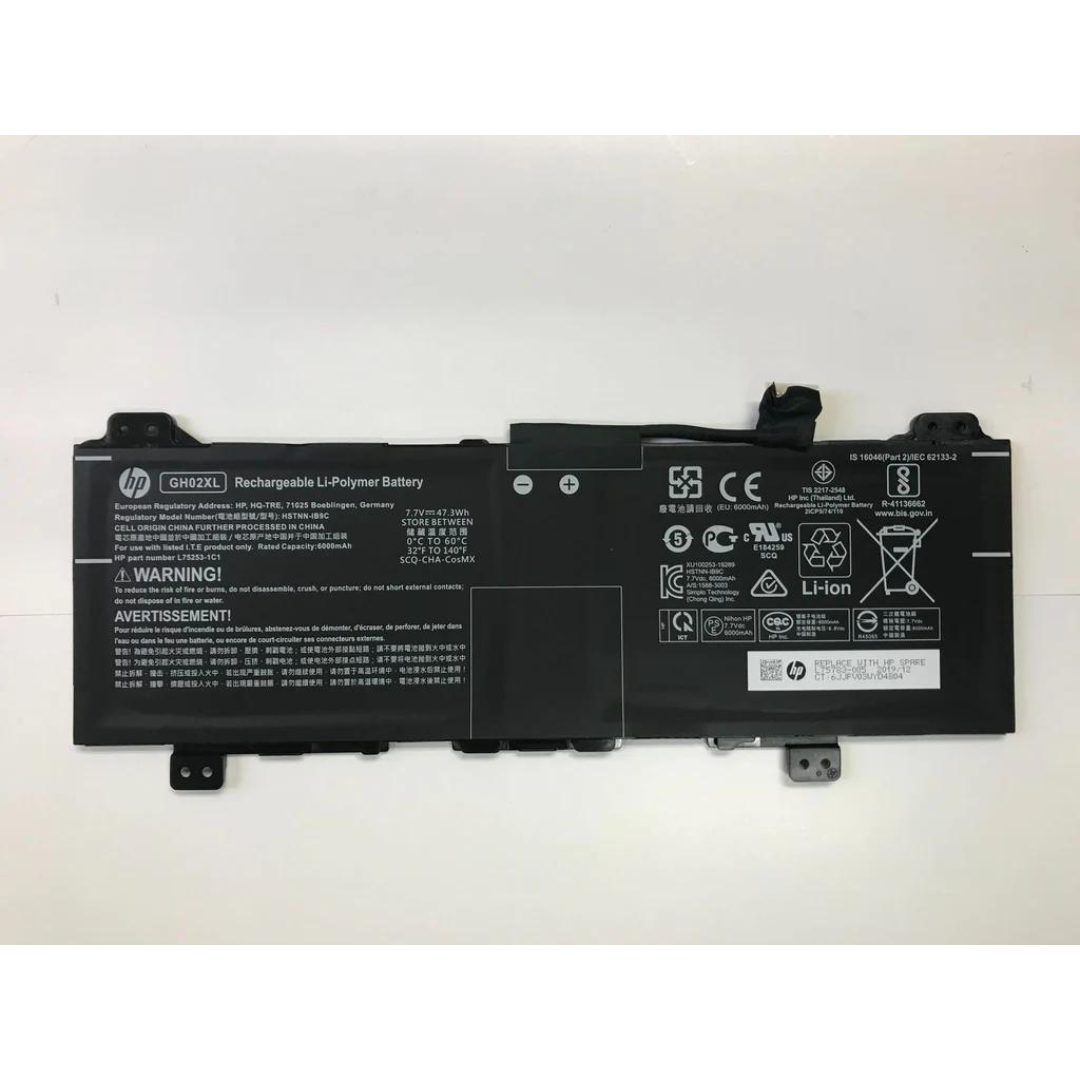
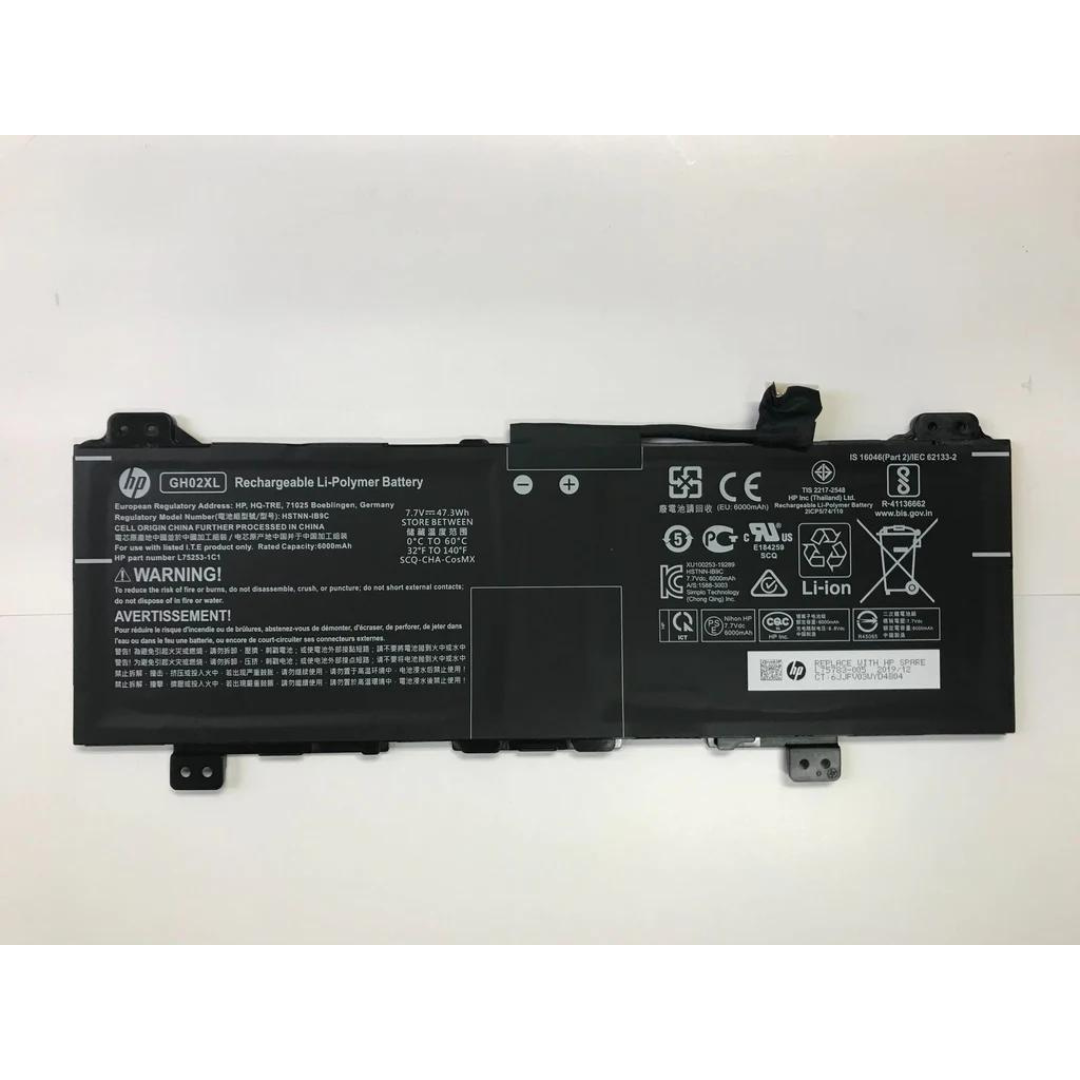
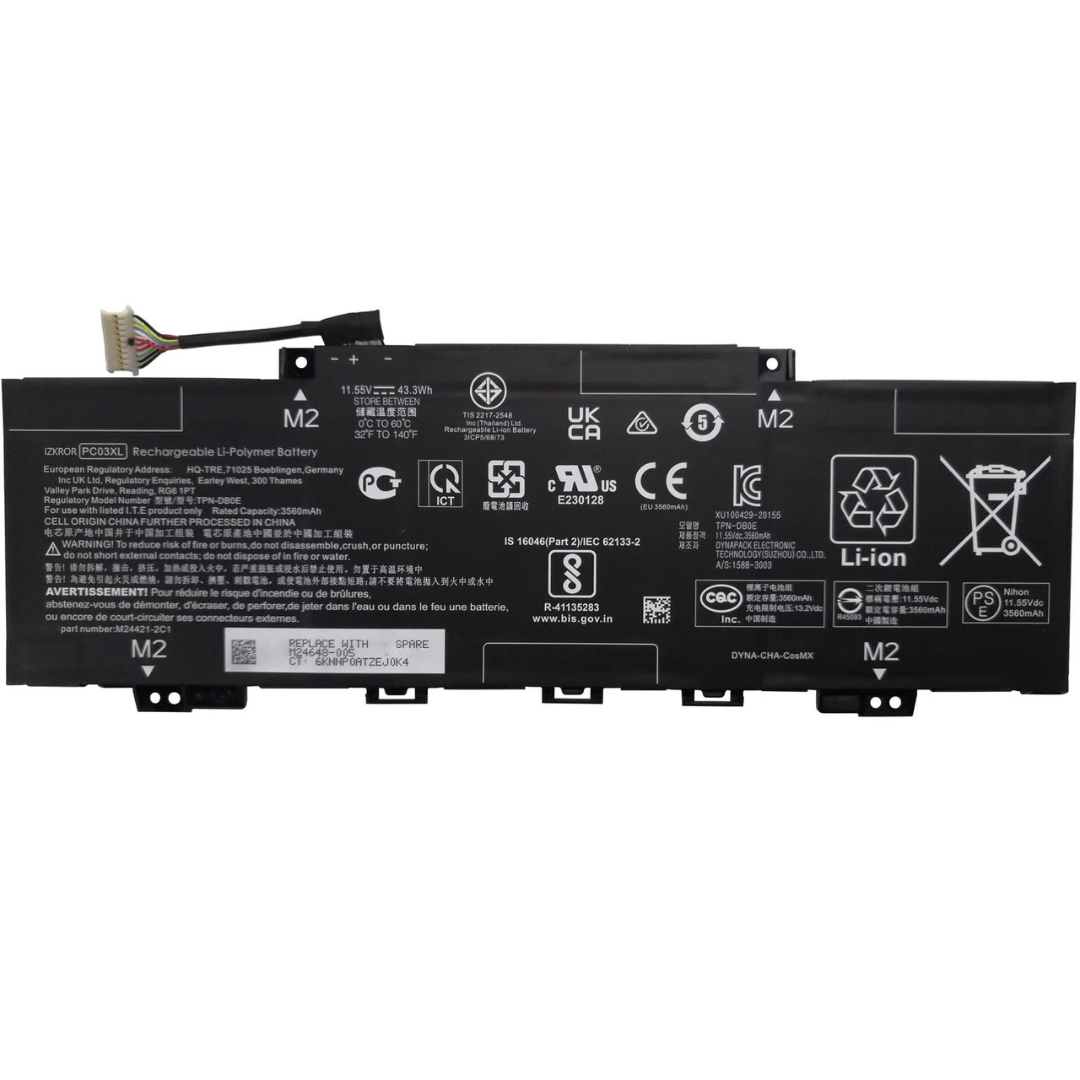
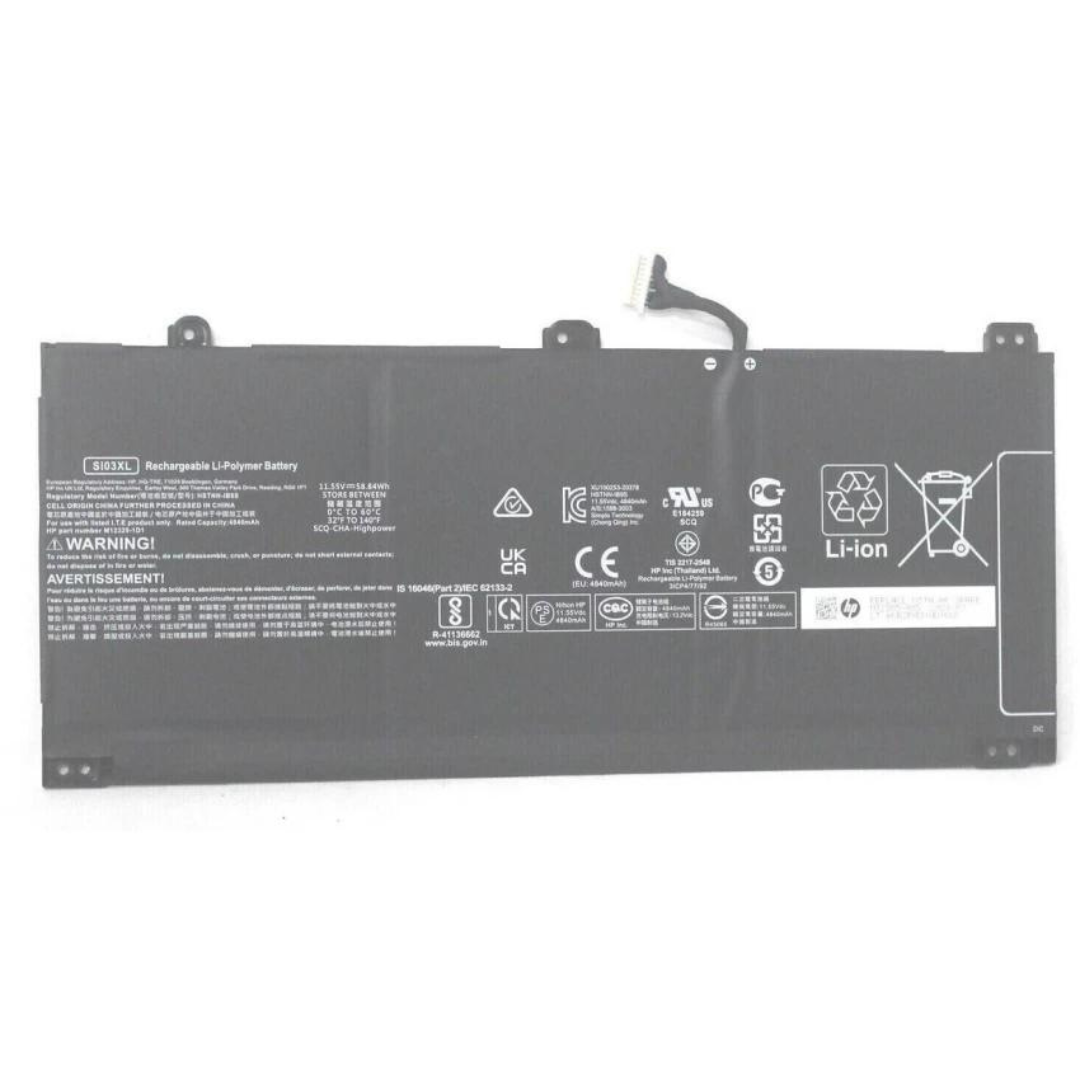
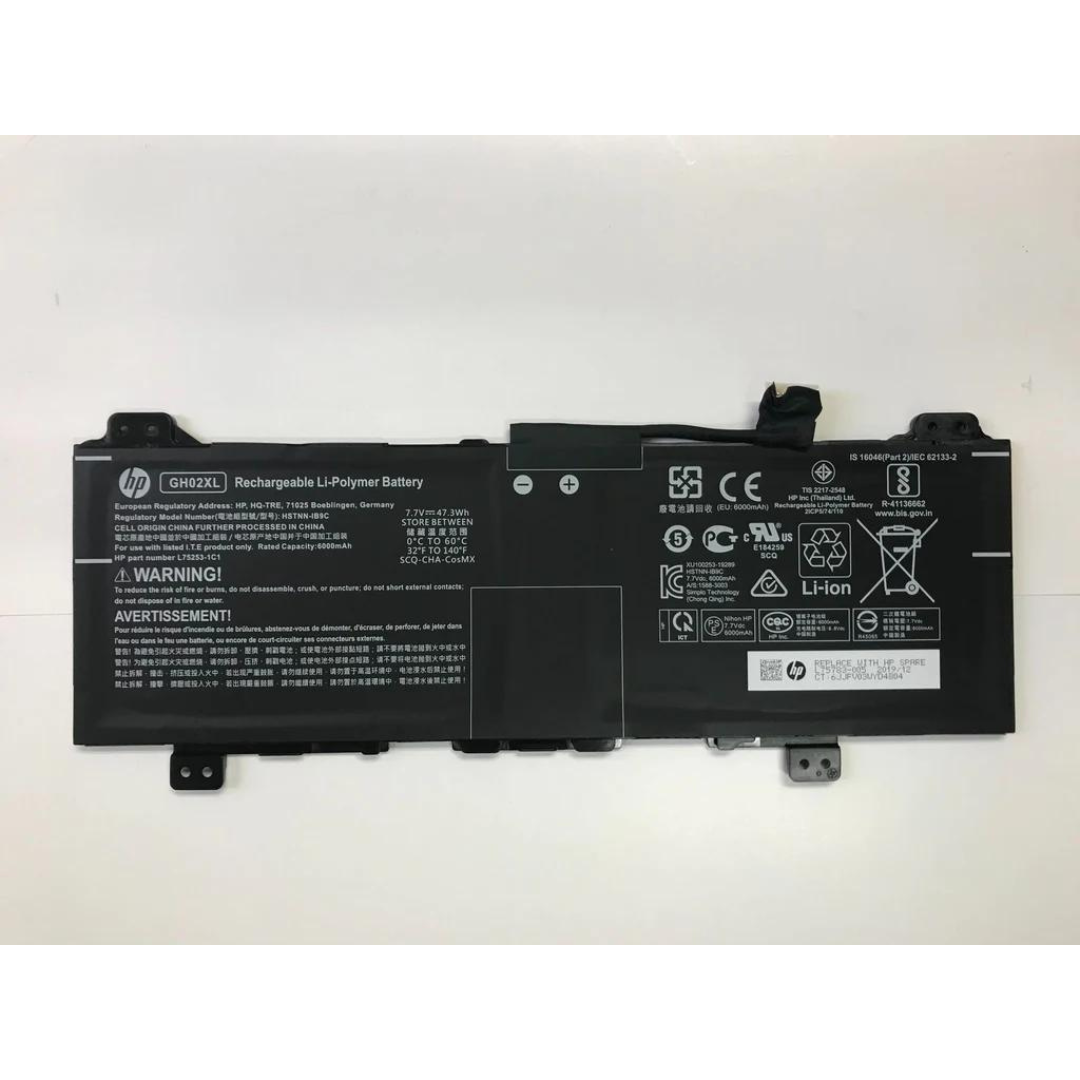
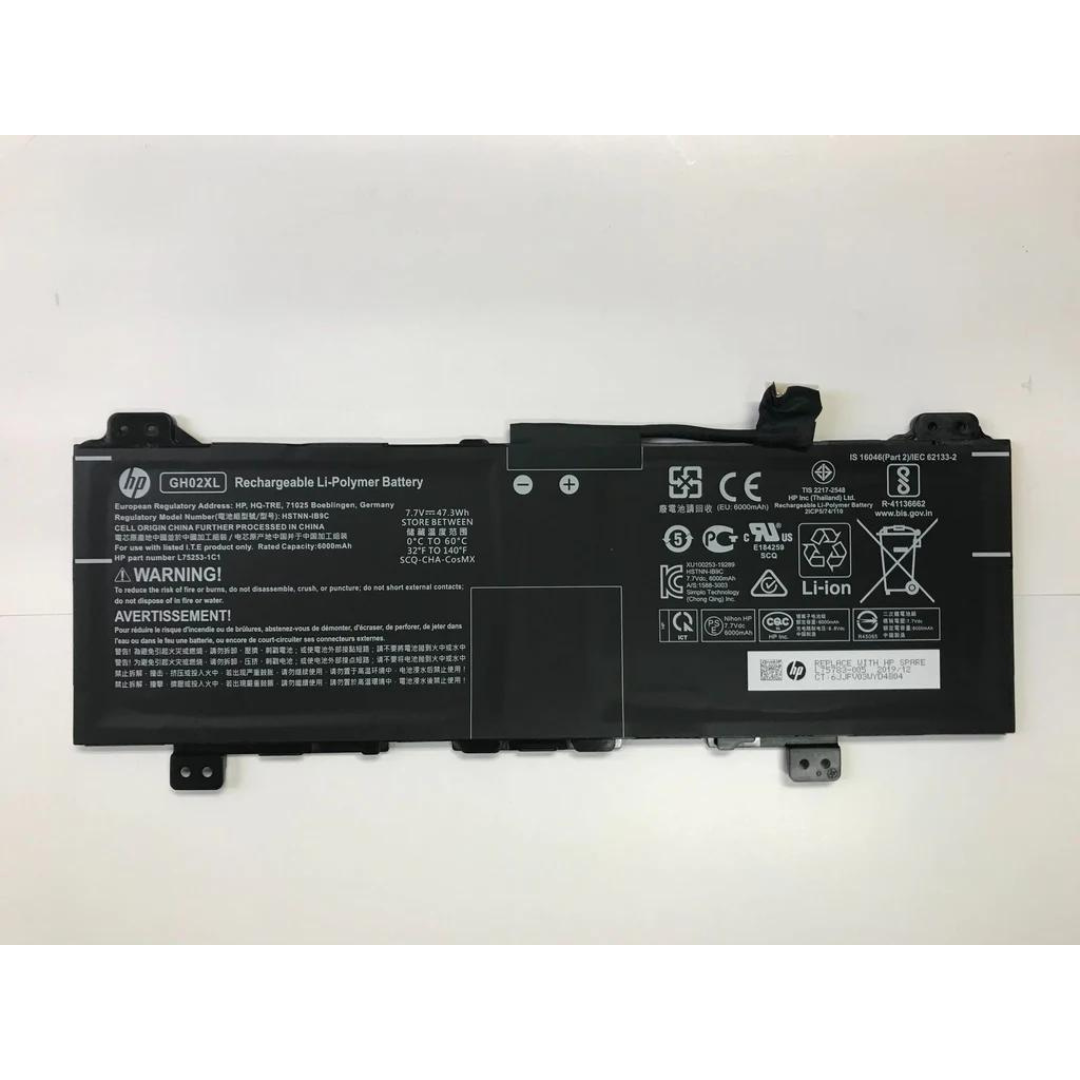
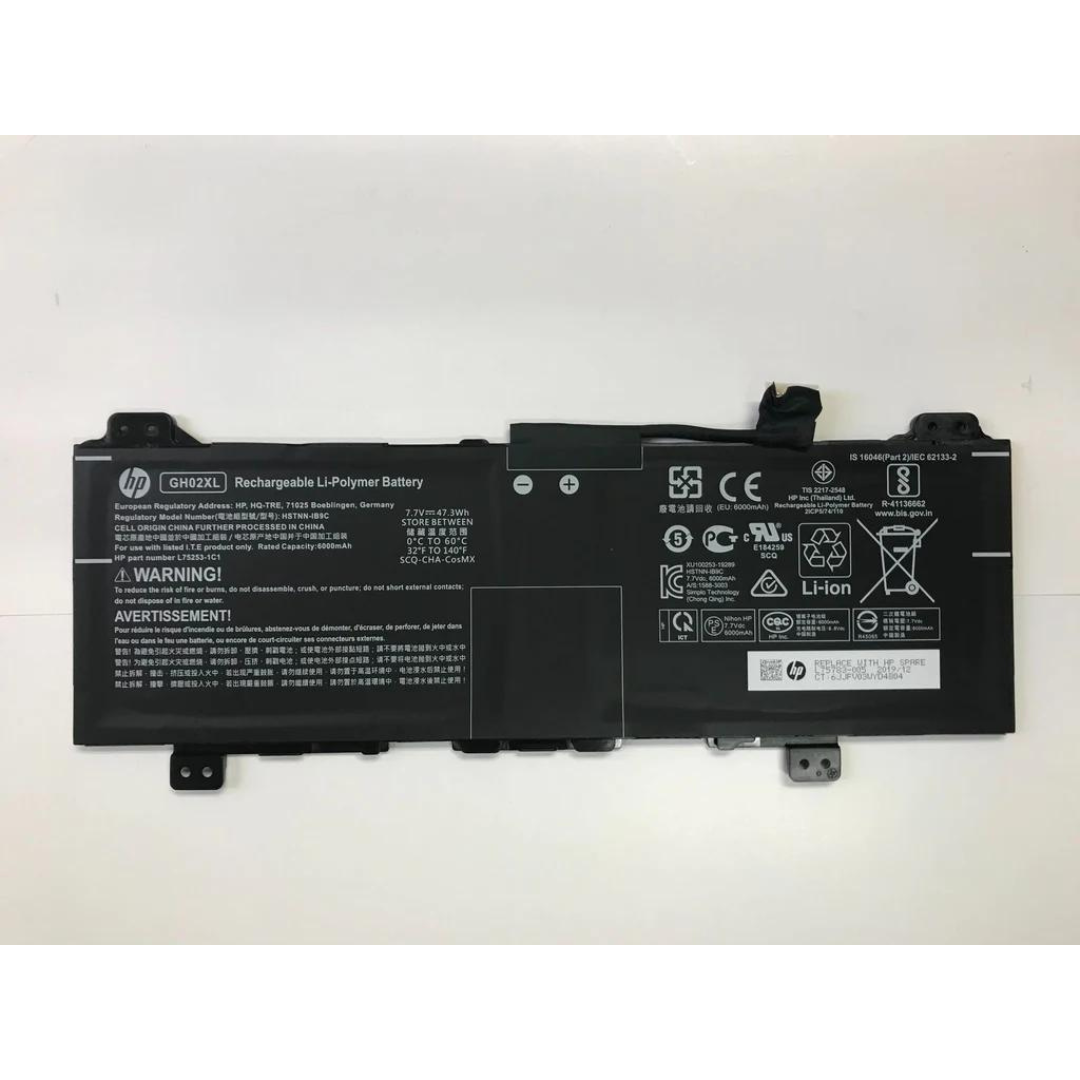
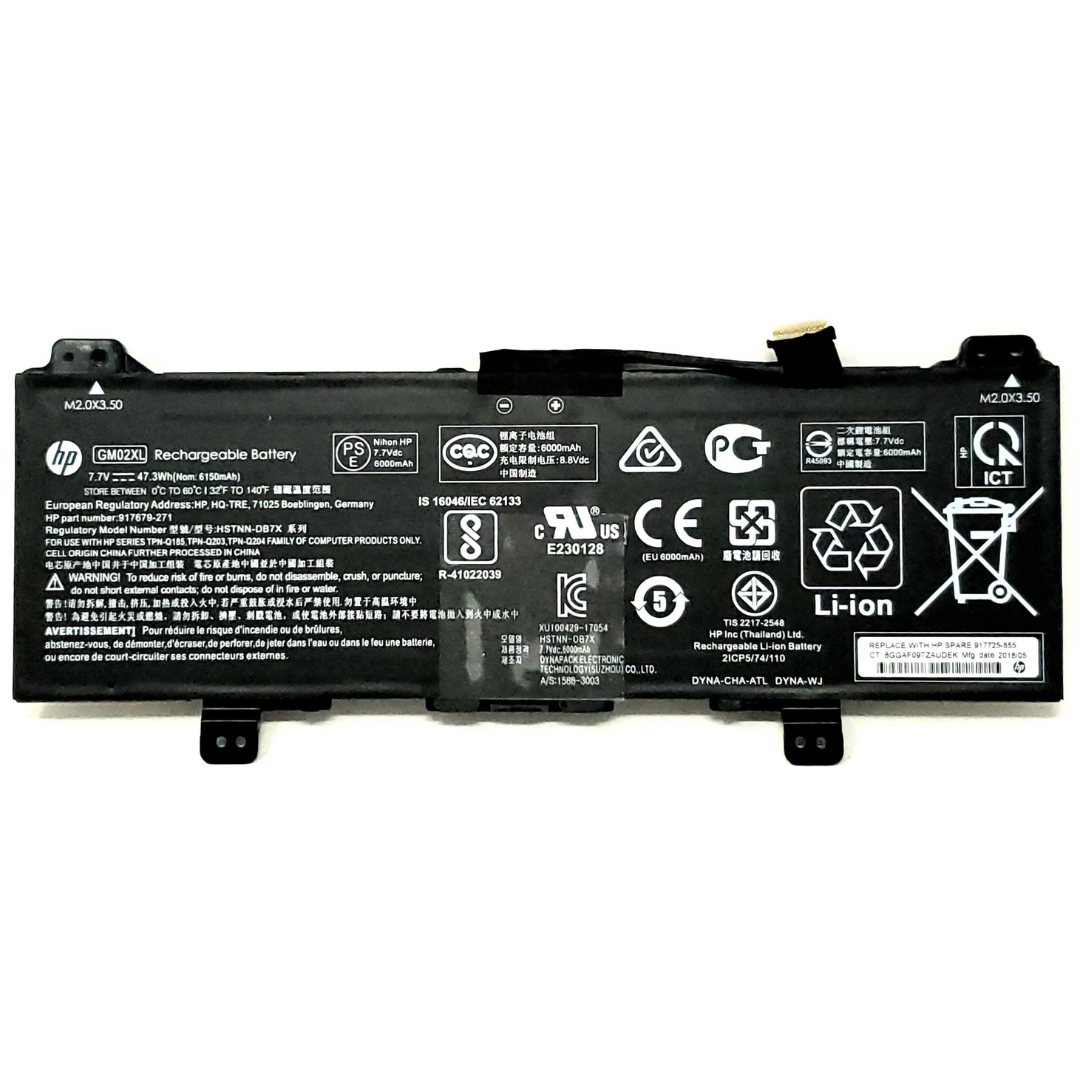
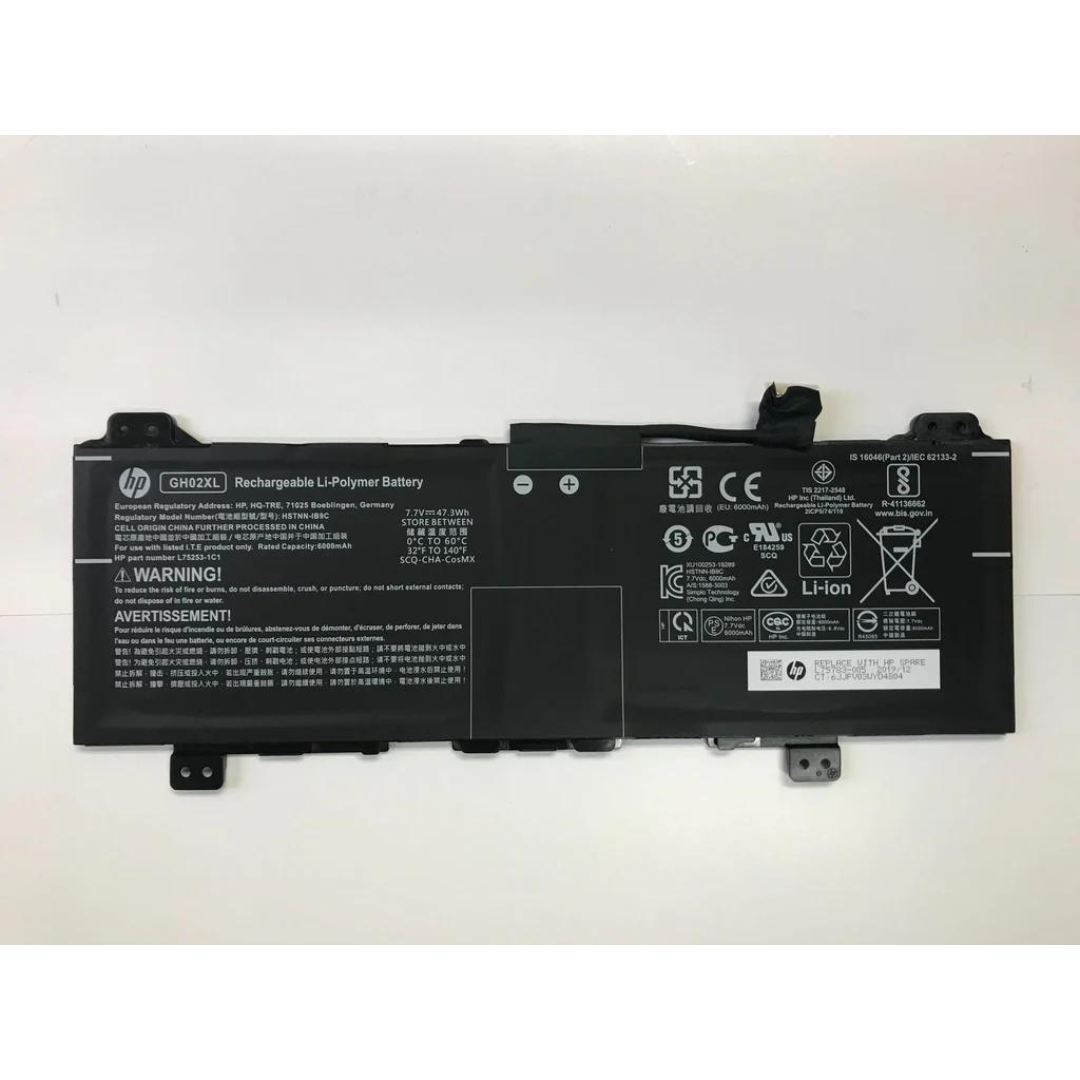
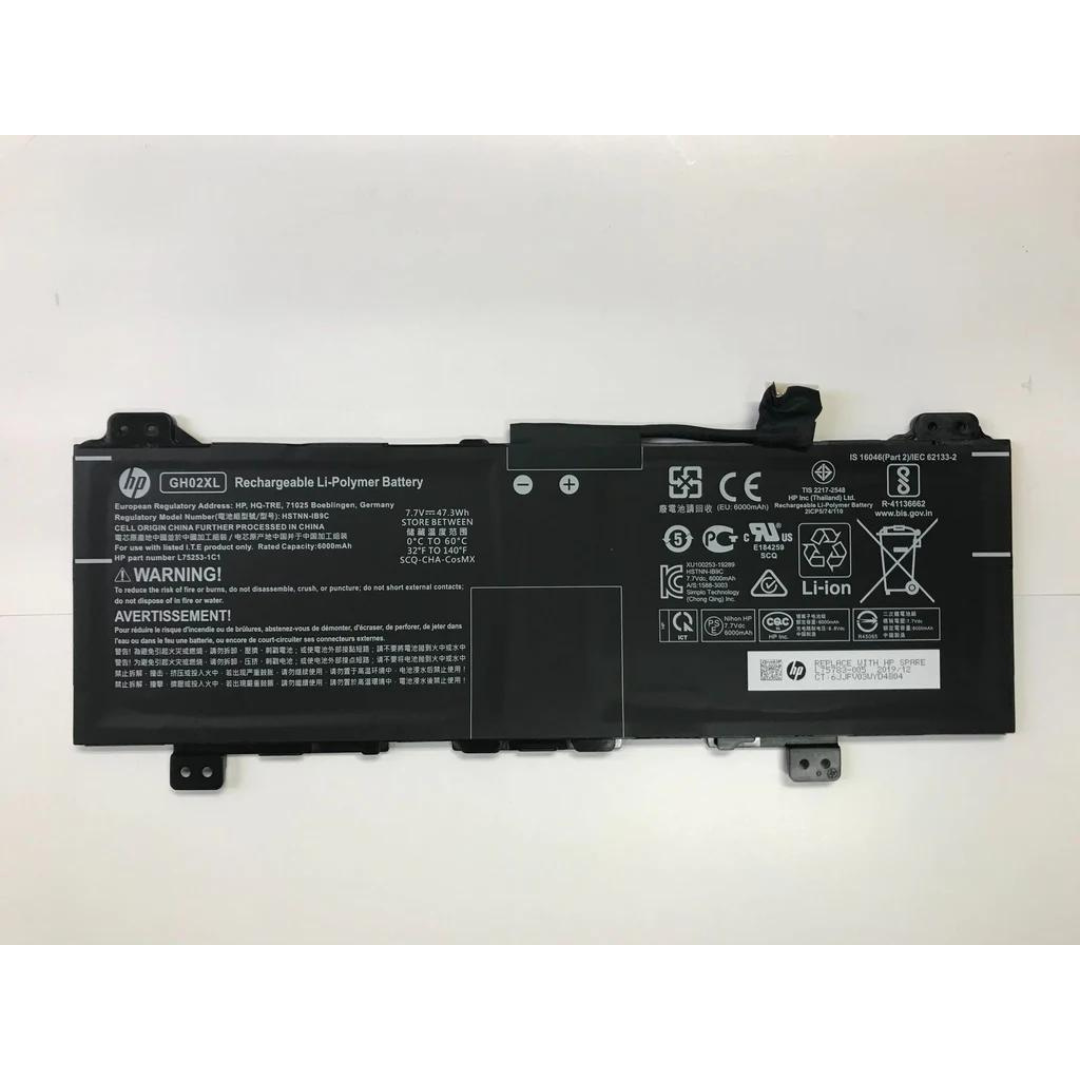
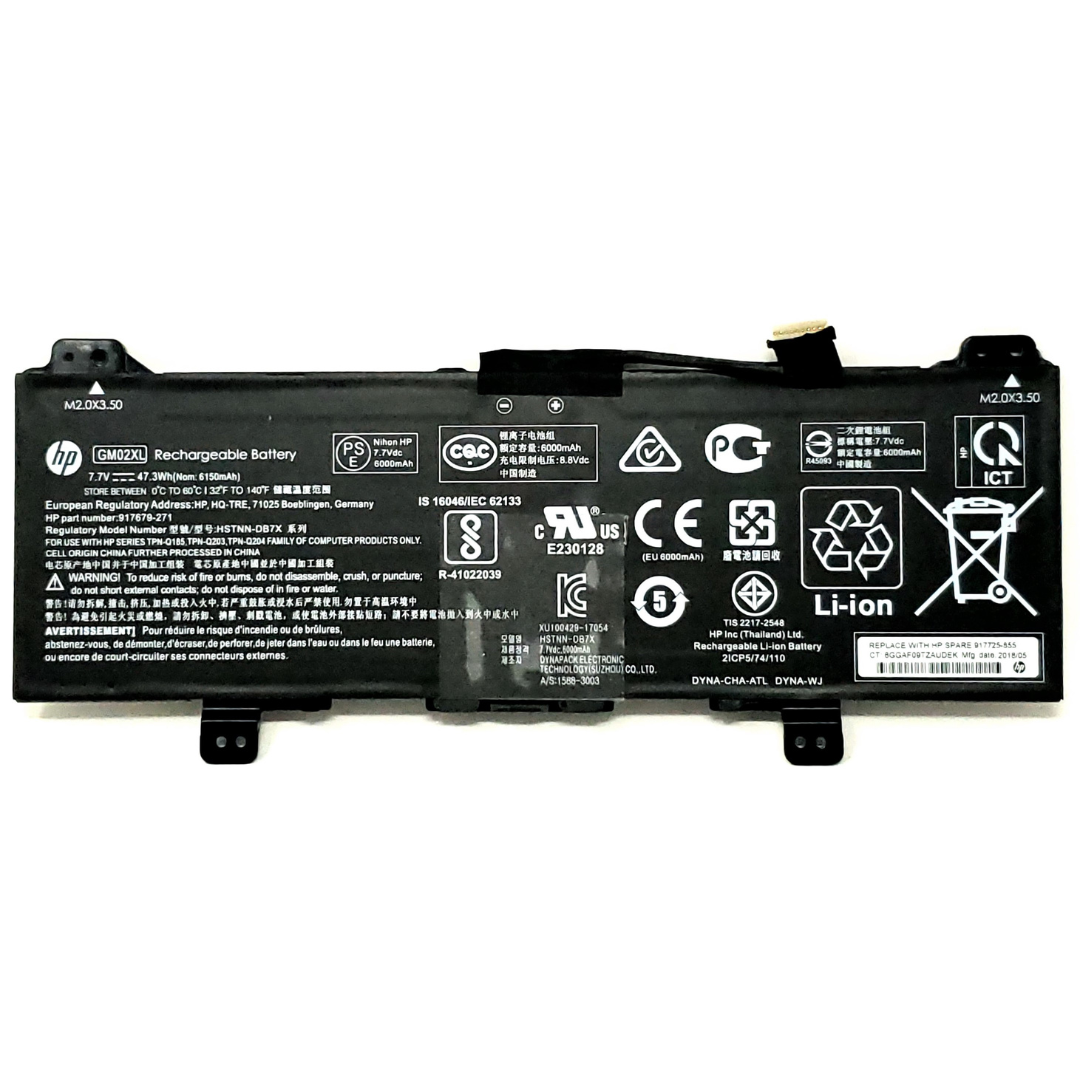
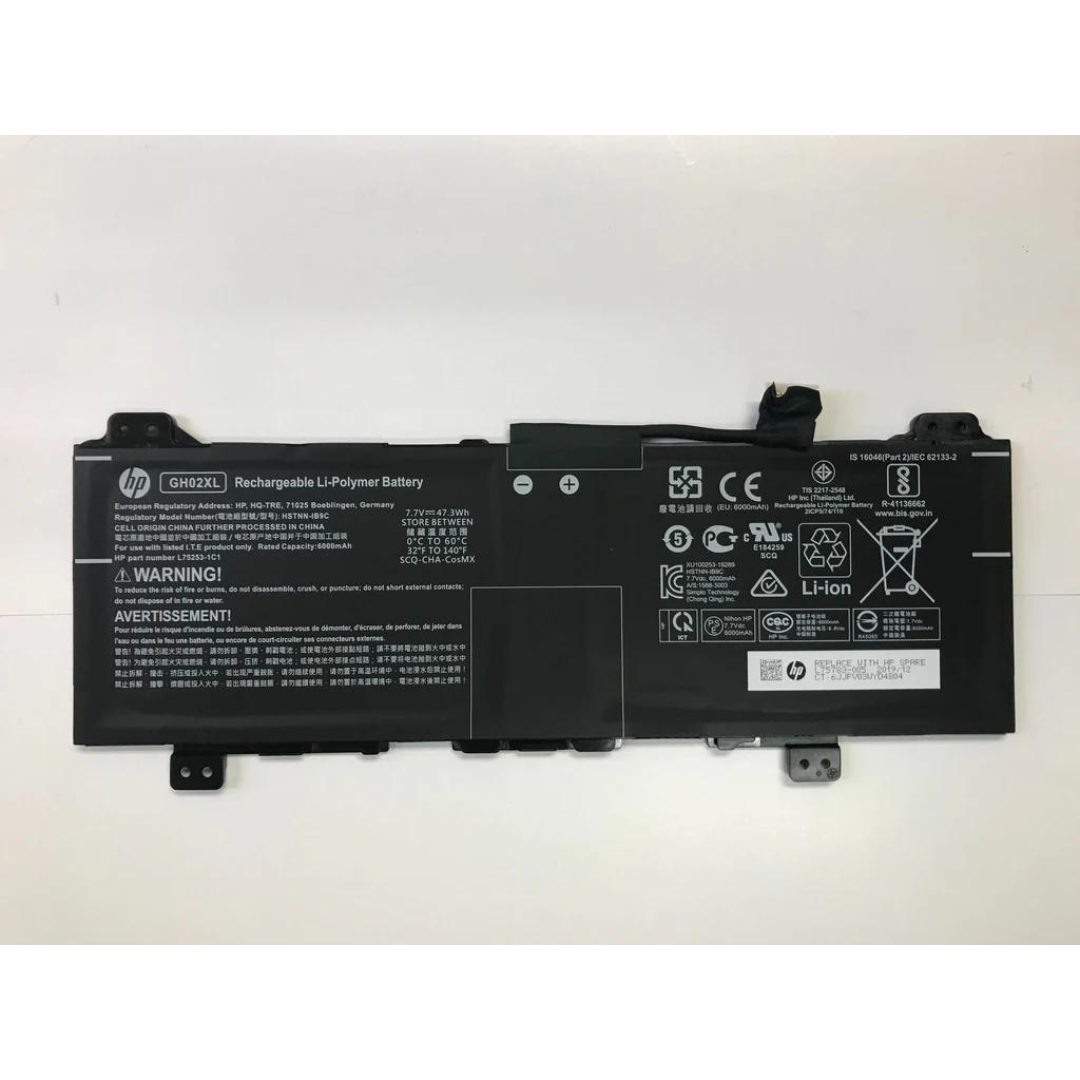
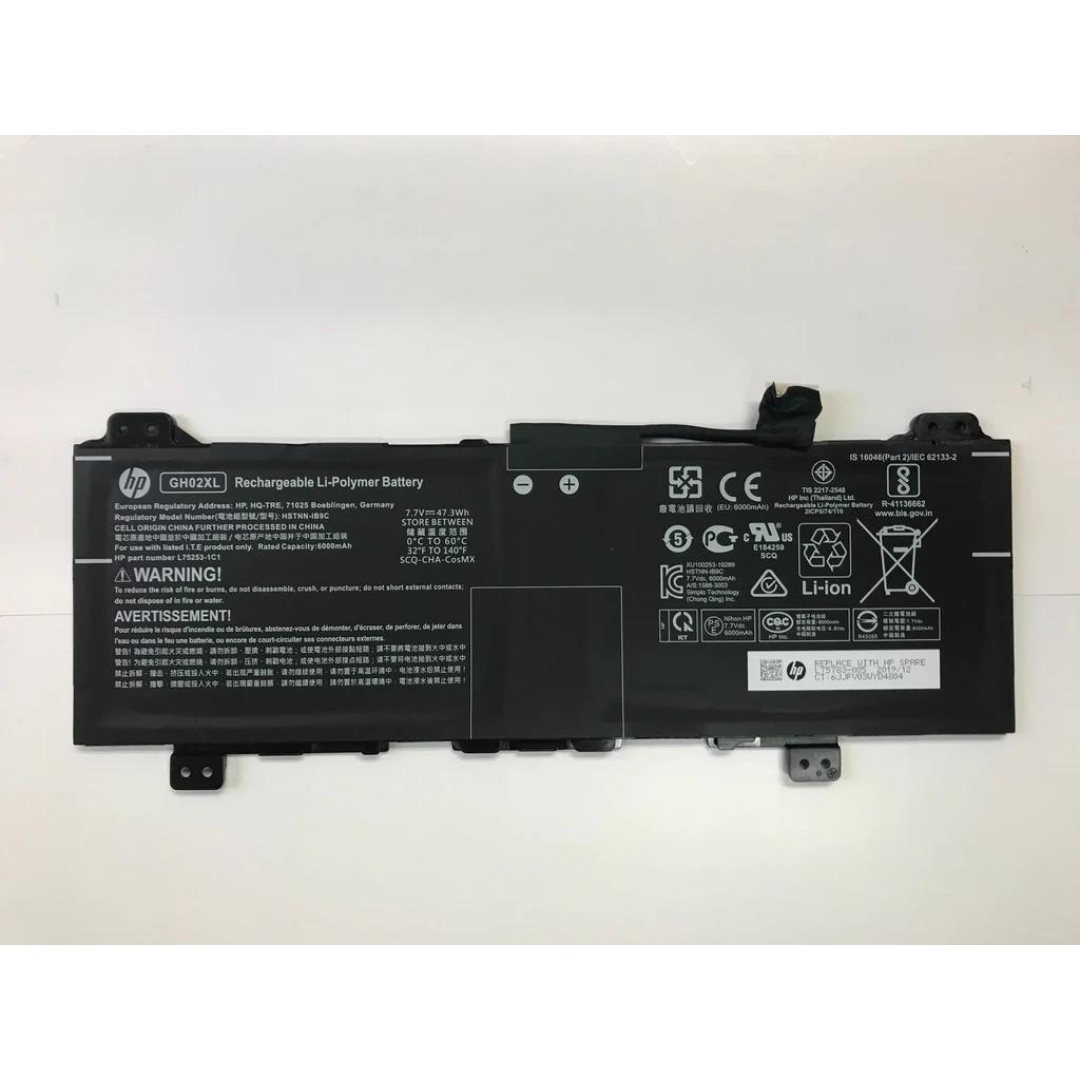
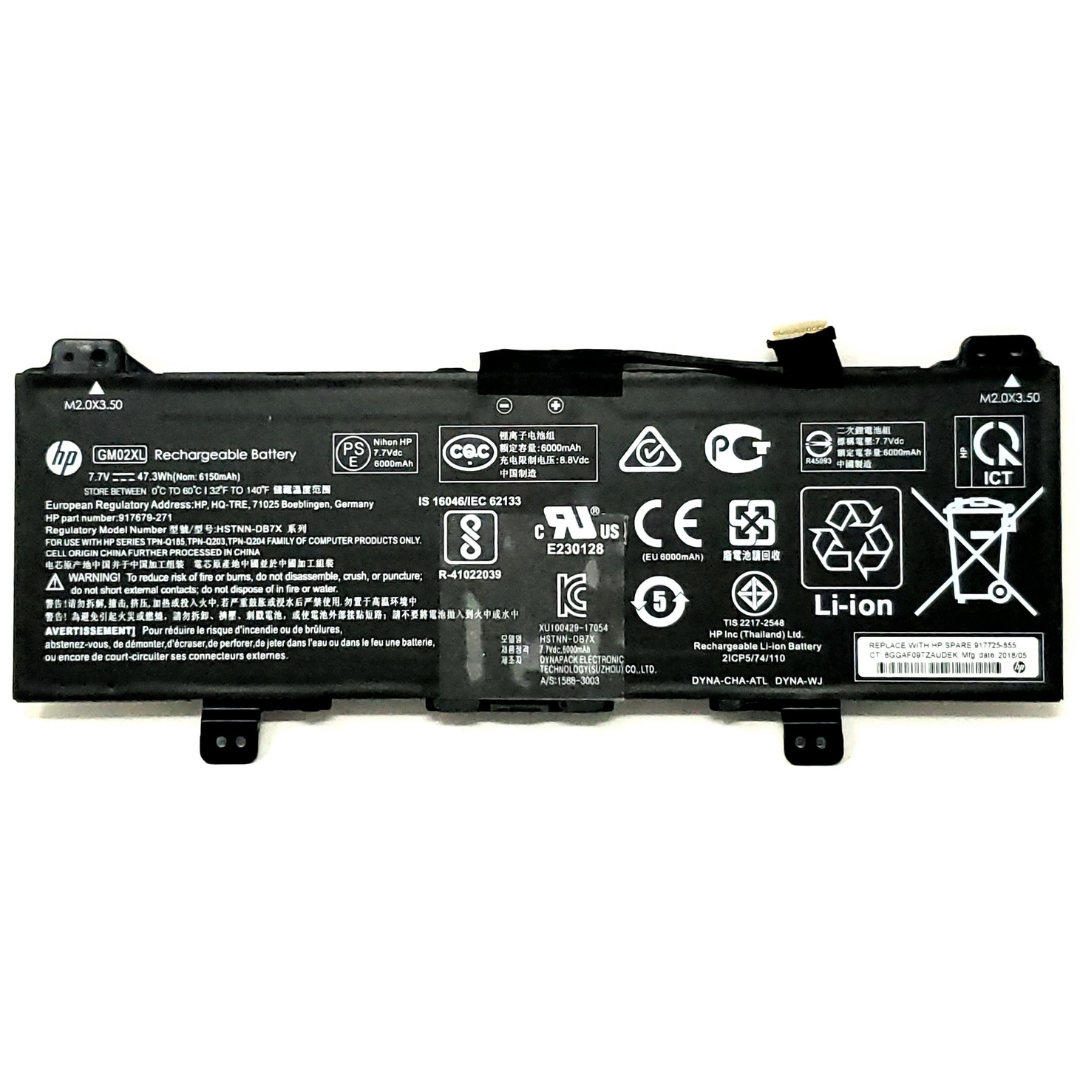
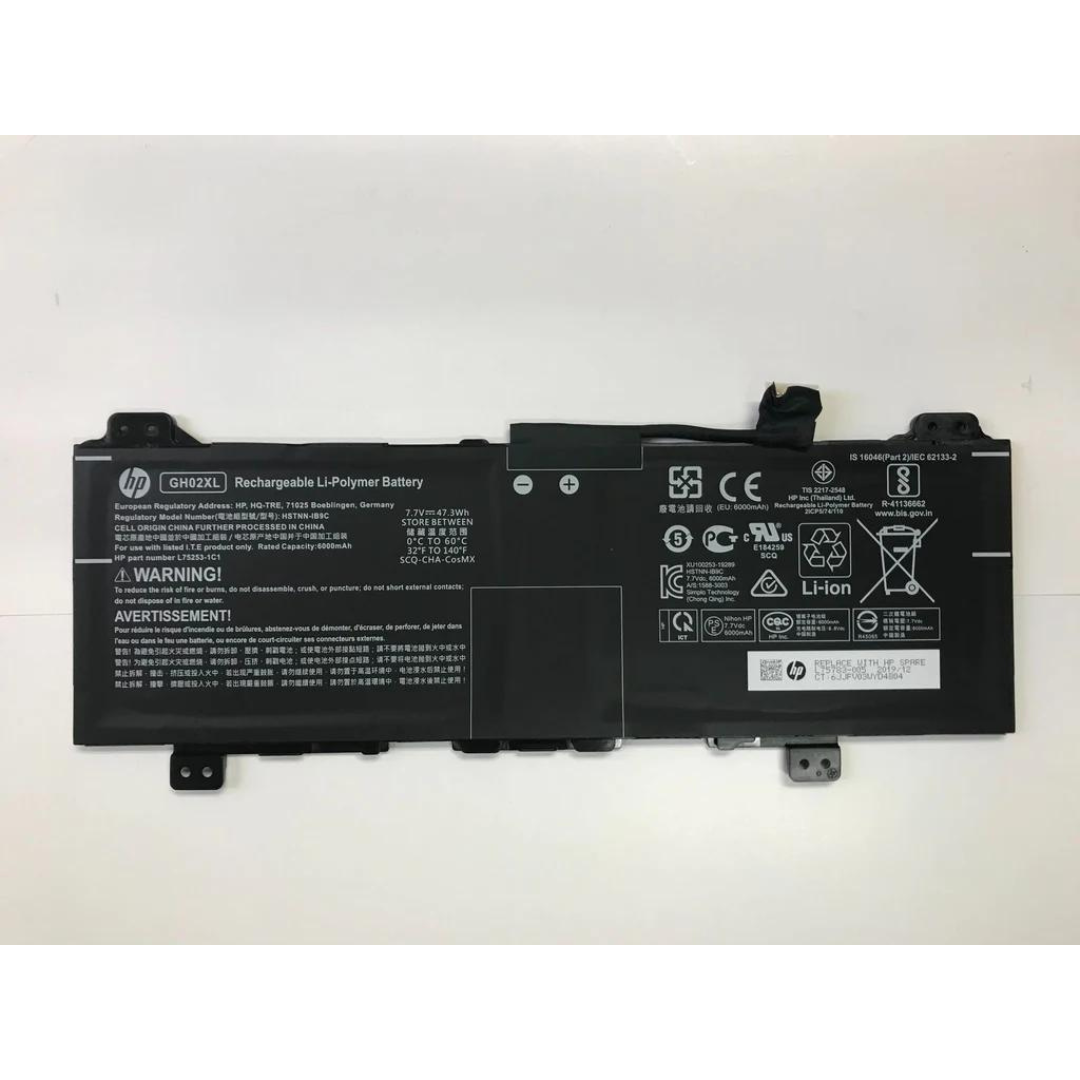
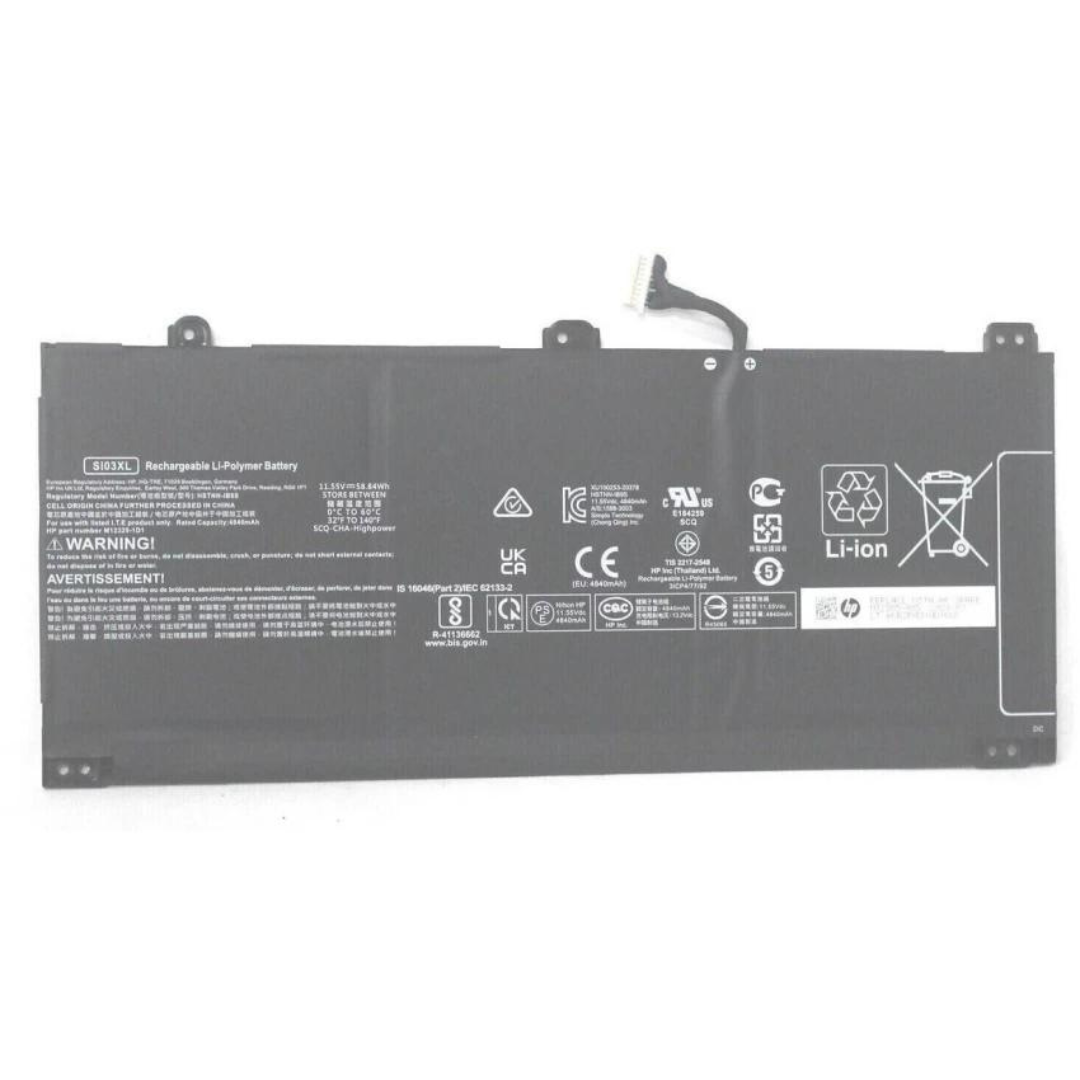
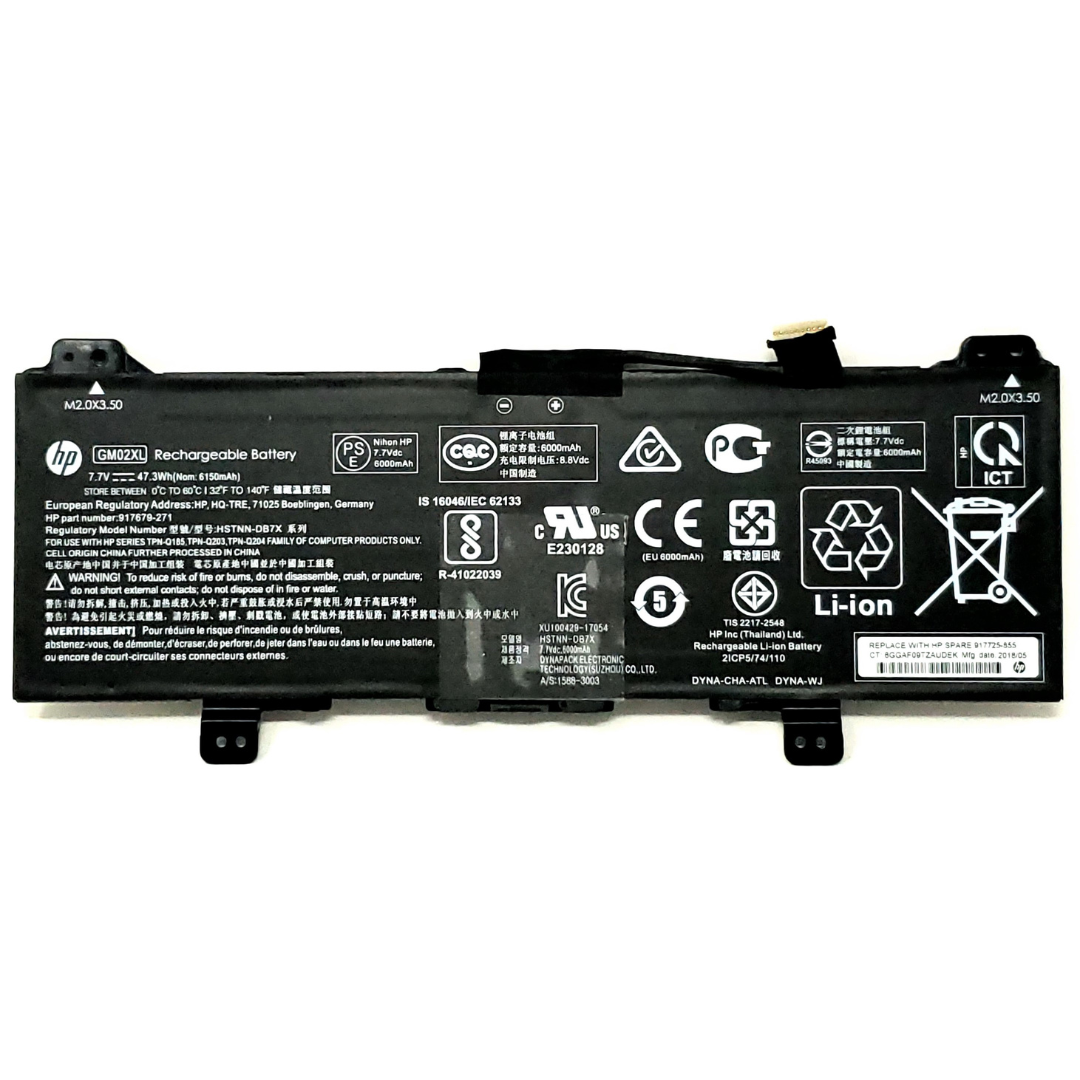
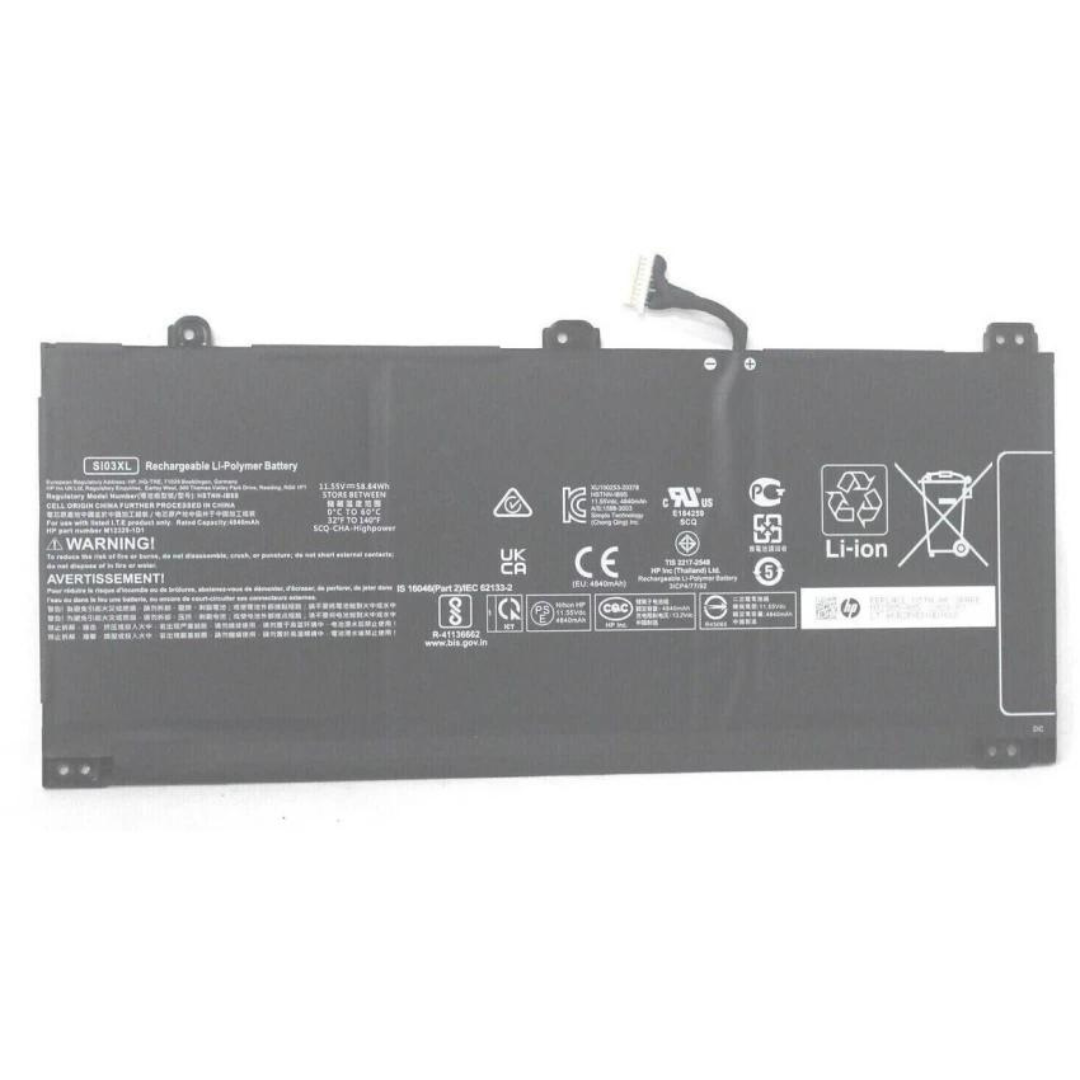

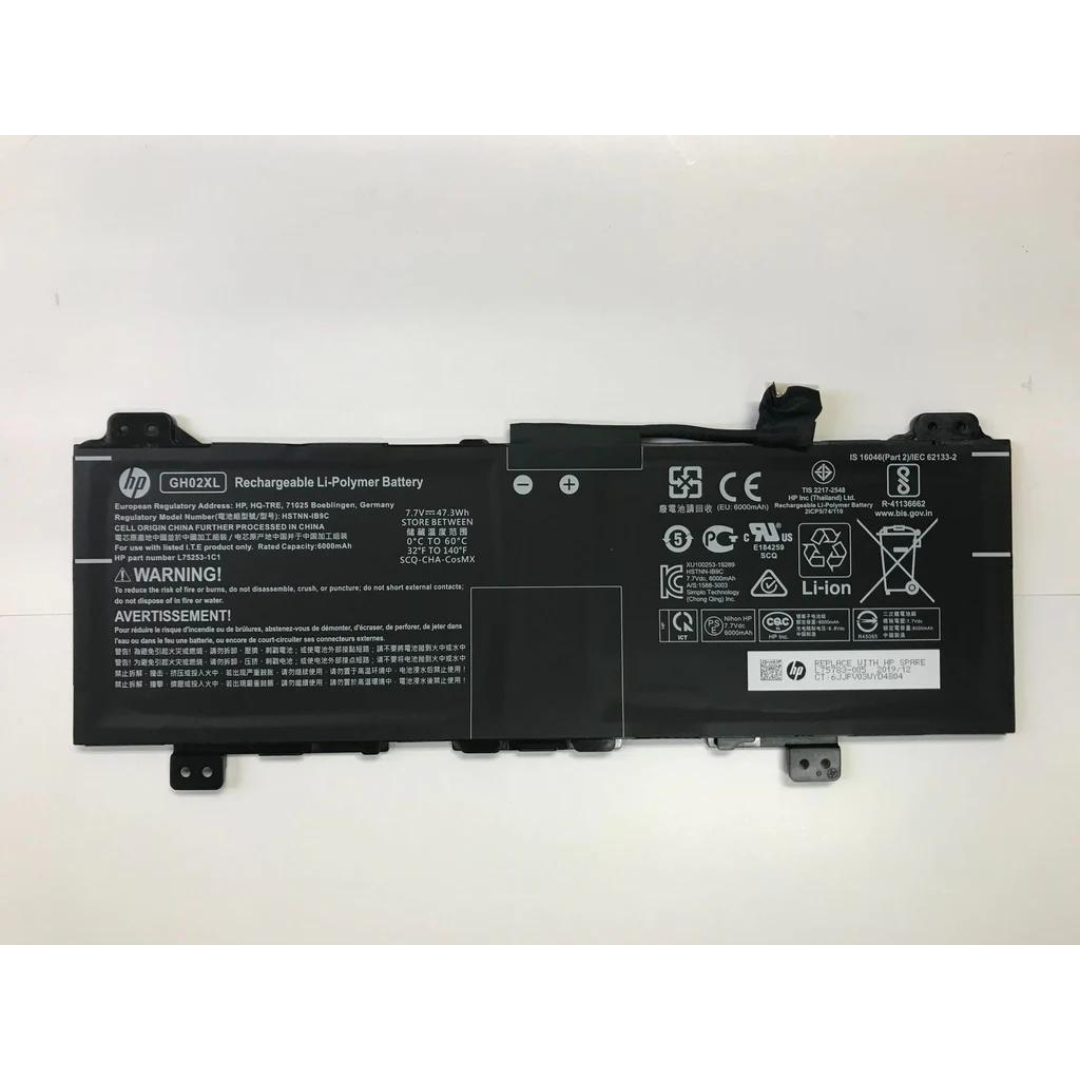
The Ultimate Guide to Replacing Your HP Chromebook GH02XL Battery
Introduction:
If you're experiencing battery issues with your HP Chromebook, you're not alone. Over time, batteries naturally lose their charge capacity, but the good news is that replacing your HP Chromebook GH02XL battery is straightforward and will restore your device’s longevity. In this guide, we'll walk you through the benefits of replacing your battery and provide tips on how to choose the right replacement.
Why Replace Your HP Chromebook GH02XL Battery?
- HP Chromebooks are known for their reliability and portability, but like any device, their battery life can degrade over time. The GH02XL battery is an essential part of keeping your Chromebook running smoothly. Here are some signs that it’s time to replace your battery:
- Reduced Battery Life: If your Chromebook battery drains quickly or doesn’t last as long as it used to, a new battery is likely needed.
Unexpected Shutdowns: If your device shuts down without warning, even though the battery level shows it’s not empty, your battery may be failing.
Swollen Battery: A swollen or bloated battery is a serious issue that needs immediate attention. It can cause physical damage to your device.
How to Choose the Right Replacement Battery for Your HP Chromebook
- When replacing the battery in your Chromebook, it's crucial to select a genuine HP GH02XL battery to ensure compatibility and safety. Here are a few things to consider when purchasing a replacement:
- Check Compatibility: Make sure the battery is designed specifically for your HP Chromebook model. The GH02XL battery is compatible with a wide range of HP Chromebook models, but you should still double-check your model number before purchasing.
- Authenticity Matters: Avoid third-party, low-quality batteries that may not meet the required safety standards. A genuine replacement will provide you with reliable performance and peace of mind.
Warranty: Look for batteries that come with a warranty. A good warranty ensures you’re covered if something goes wrong.
How to Replace Your HP Chromebook GH02XL Battery
Replacing the battery in your HP Chromebook is not a difficult task, but it does require some care. Here’s a general guide on how to replace your GH02XL battery:
- Turn off your Chromebook and unplug it from any power source.
- Remove the back panel: Use a screwdriver to remove the screws on the back of the Chromebook.
- Disconnect the old battery: Carefully unplug the old battery from the motherboard.
- Install the new battery: Connect the new GH02XL battery and secure it in place.
- Reassemble: Put the back panel back on and screw it into place.
- Power up your Chromebook: Turn on your device and check the battery status.
Conclusion
A new battery can significantly extend the life of your HP Chromebook and improve its performance. With the right replacement, like the HP Chromebook GH02XL Original Battery, you can get back to enjoying your device without the frustrations of frequent recharging or unexpected shutdowns.
If you're ready to replace your battery, check out our collection of genuine HP GH02XL batteries – affordable, high-quality, and reliable!