
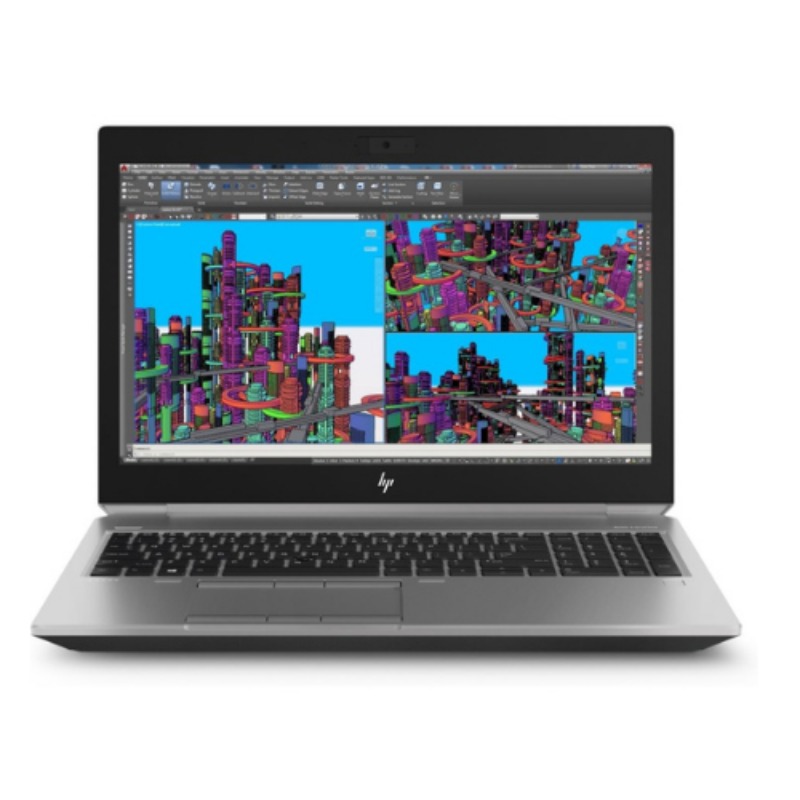
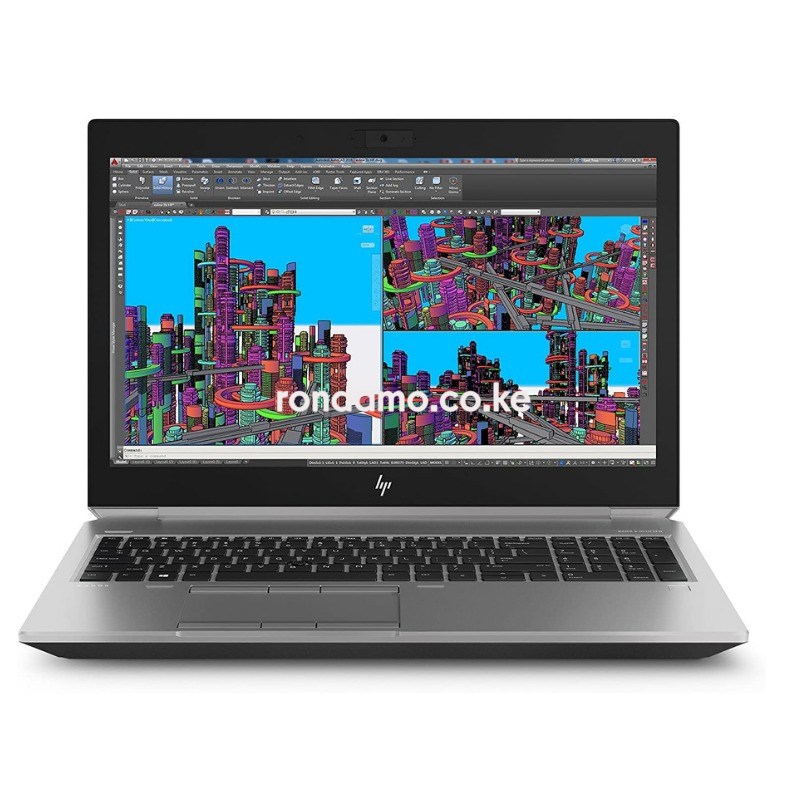
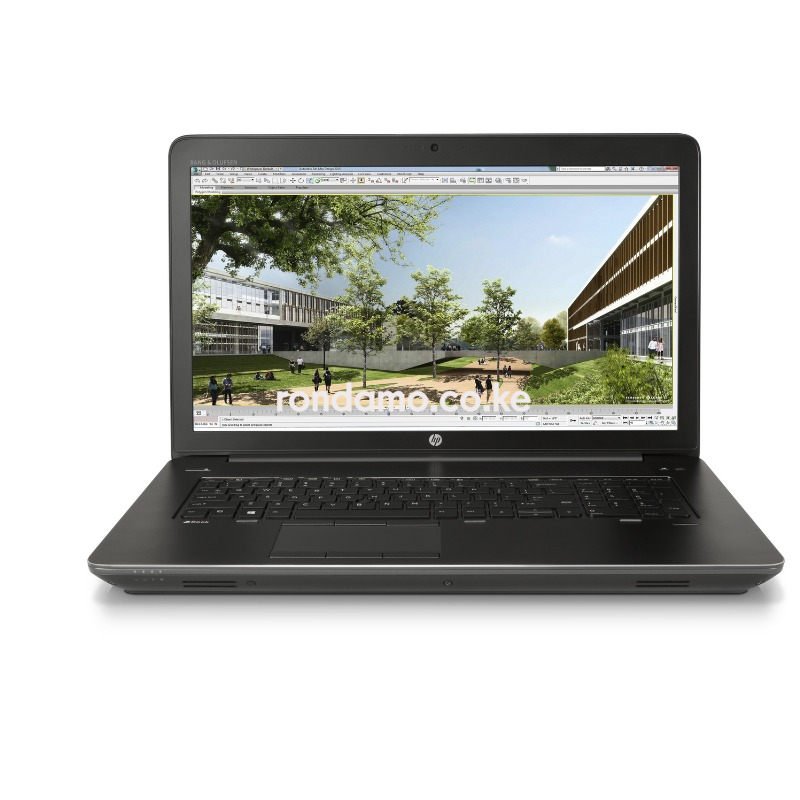
Discover top performance with the HP ZBook G4 17" Workstation powered by a Quadro P5000 GPU. Ideal for architects, animators, and creators in Kenya. Enjoy great deals, fast delivery, and reliable warranty.
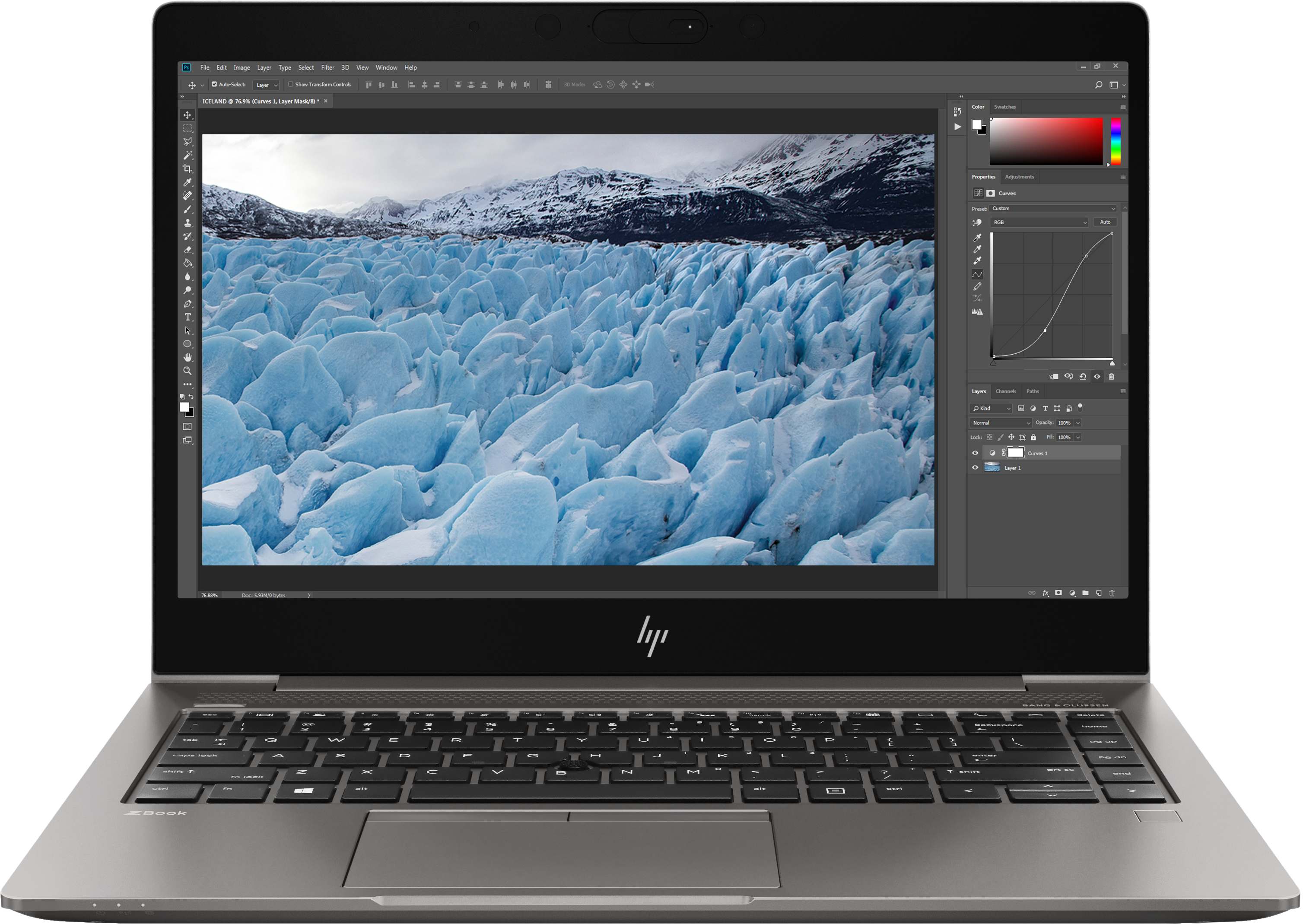
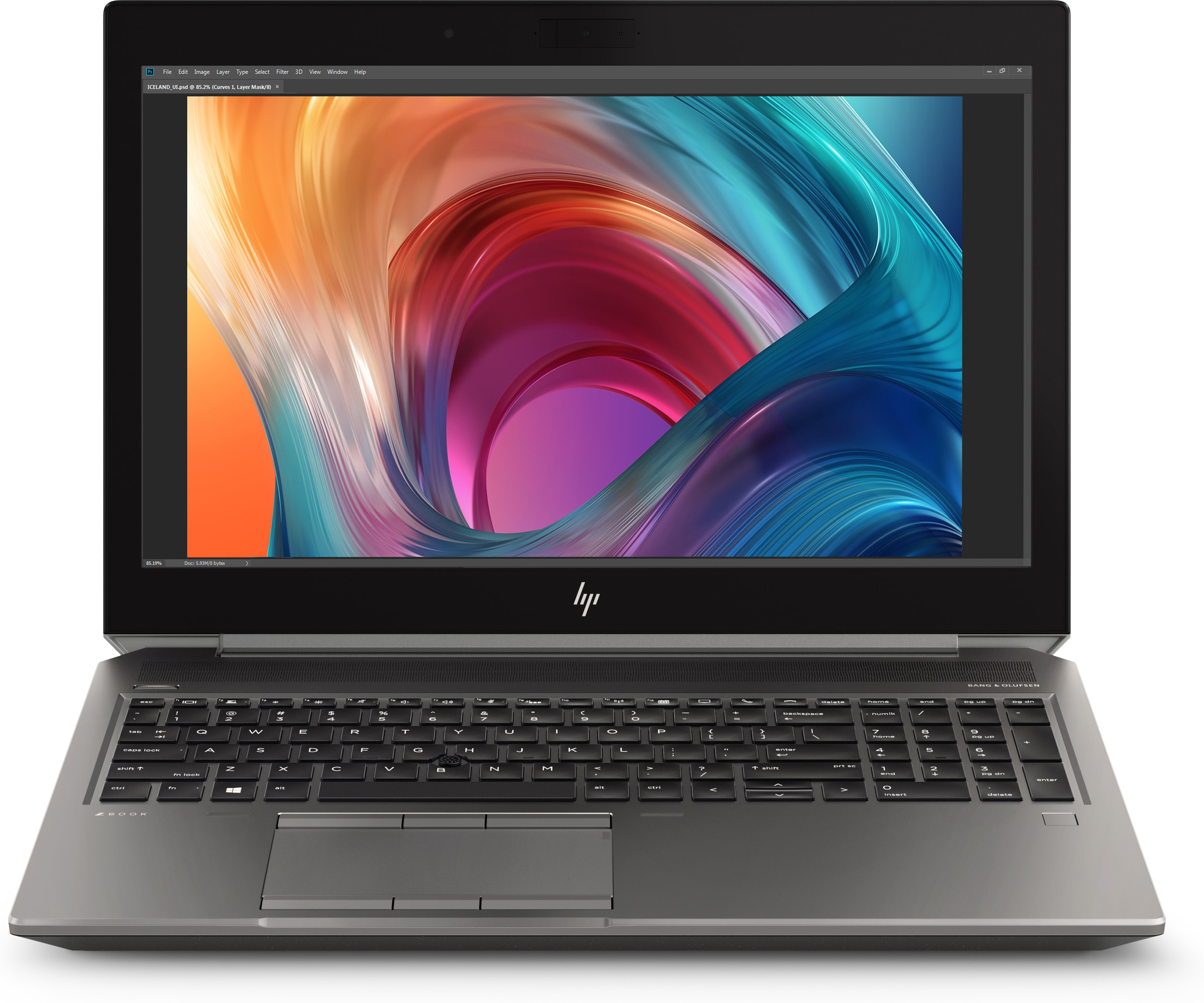
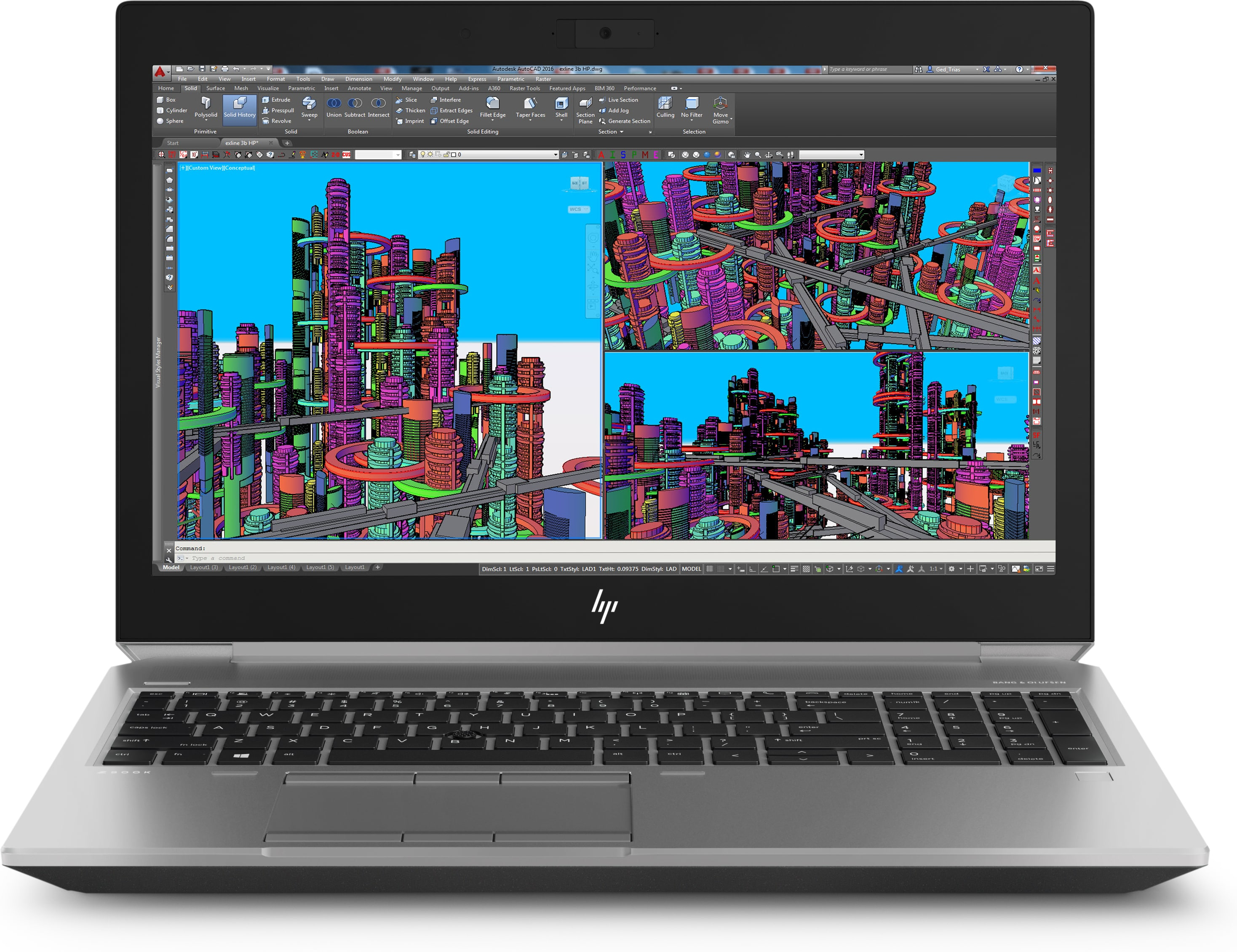
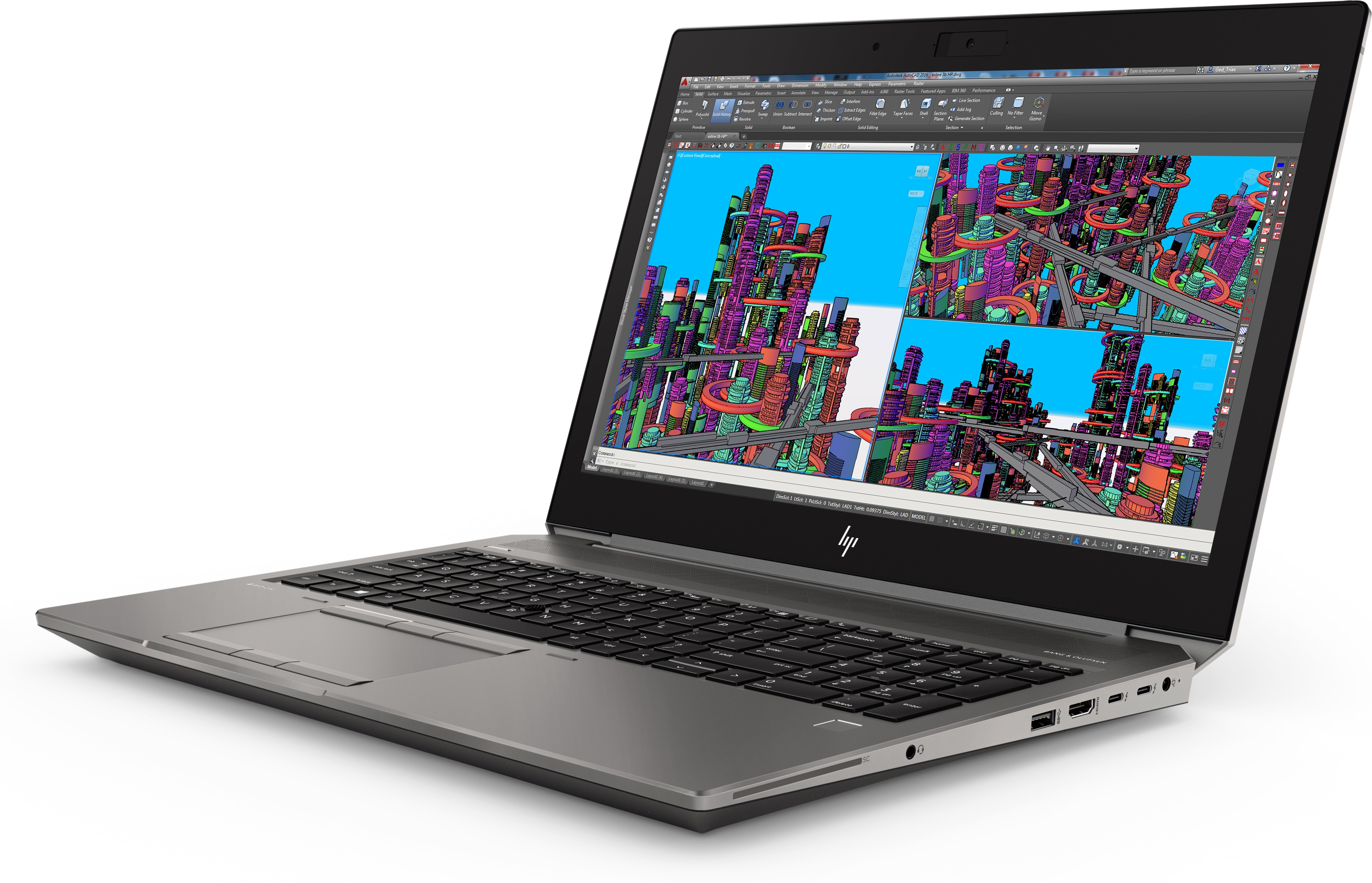
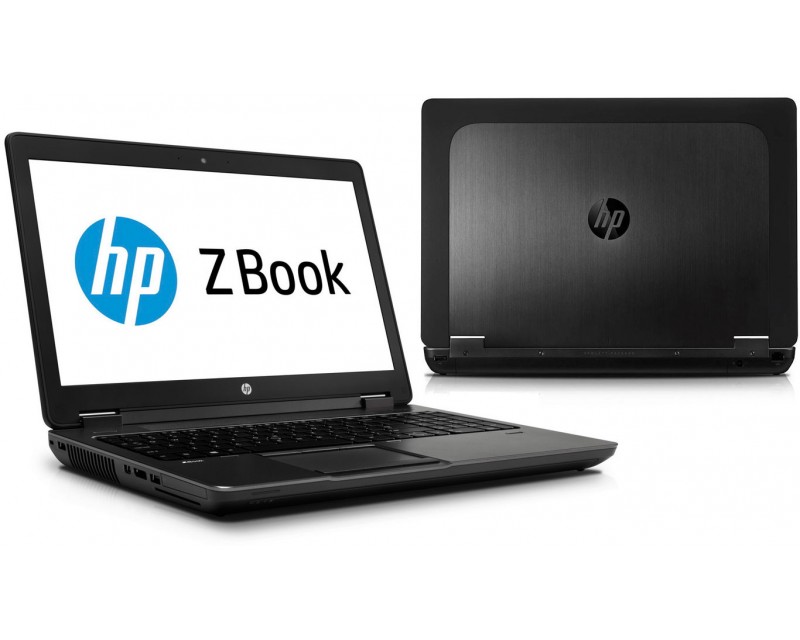
HP ZBook G4 17-inch Workstation with Quadro P5000 Graphics Card
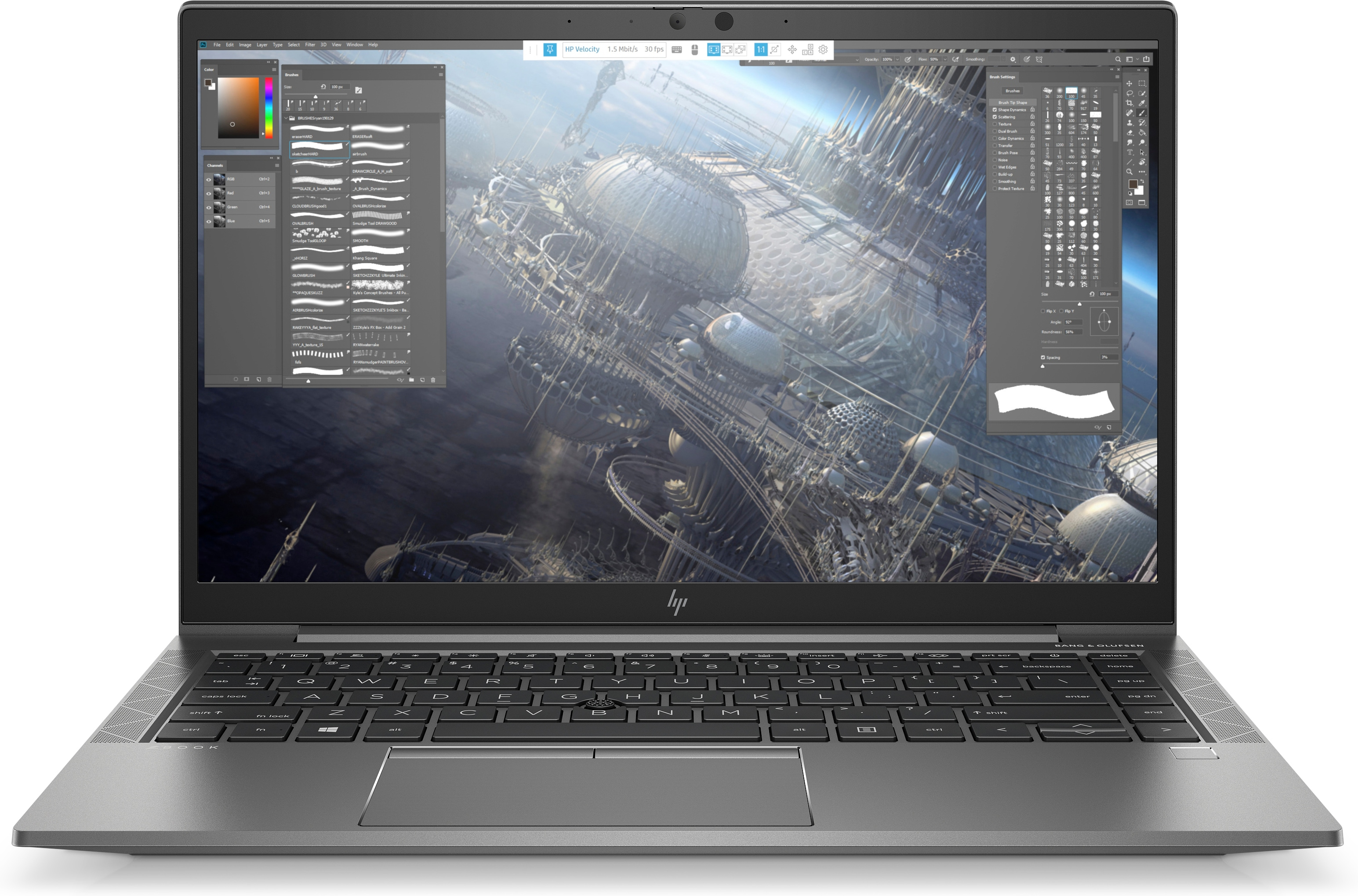
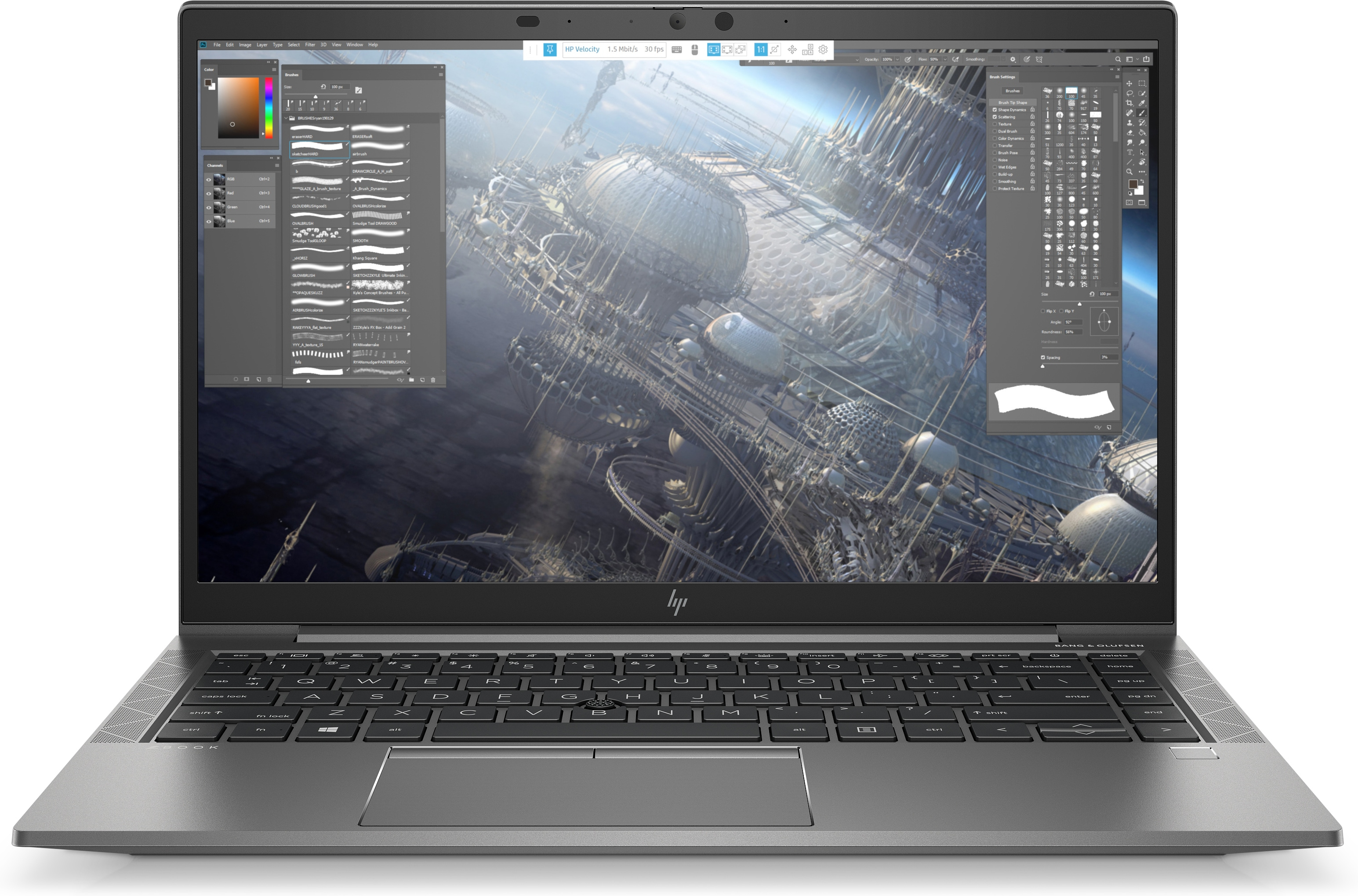
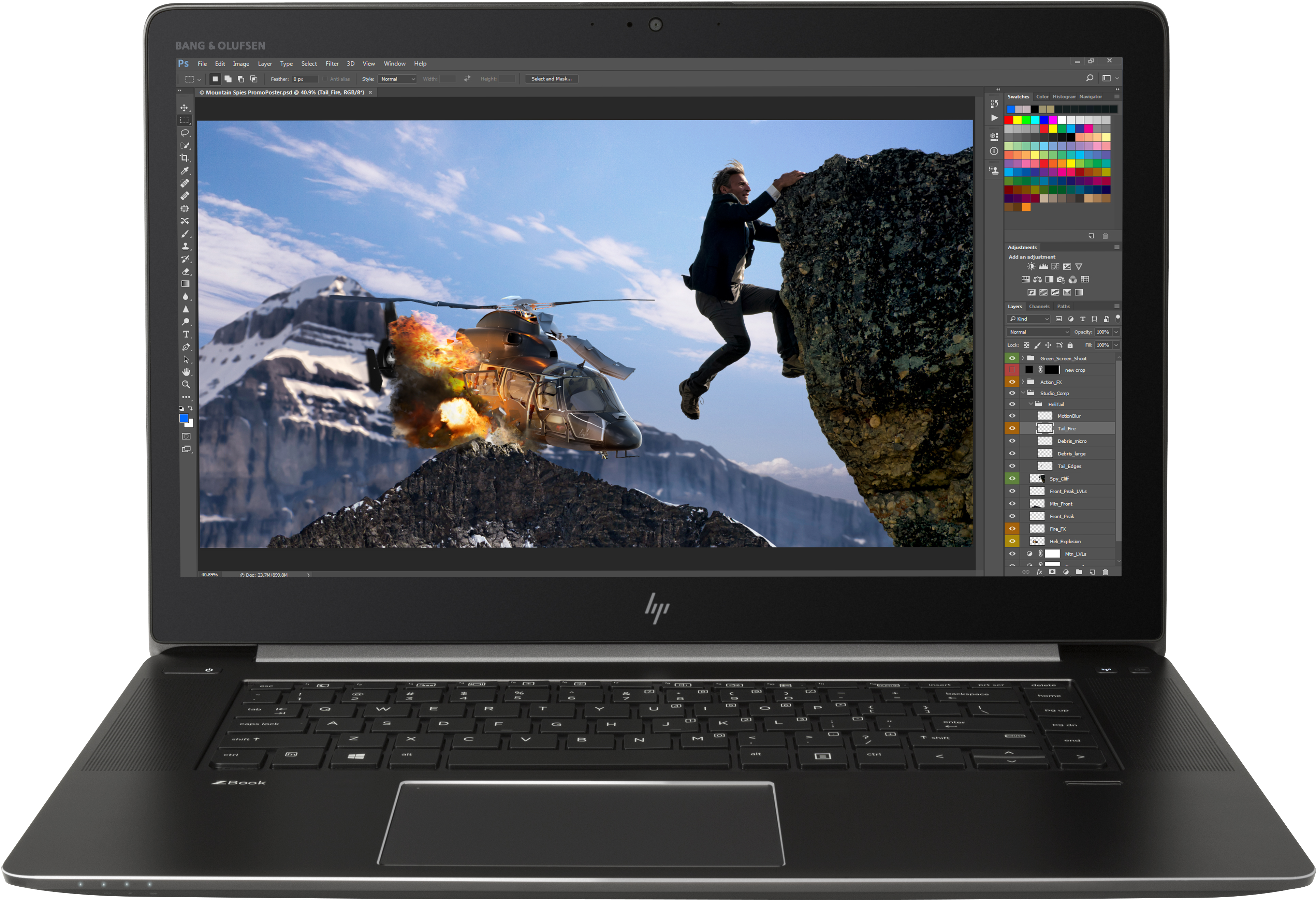
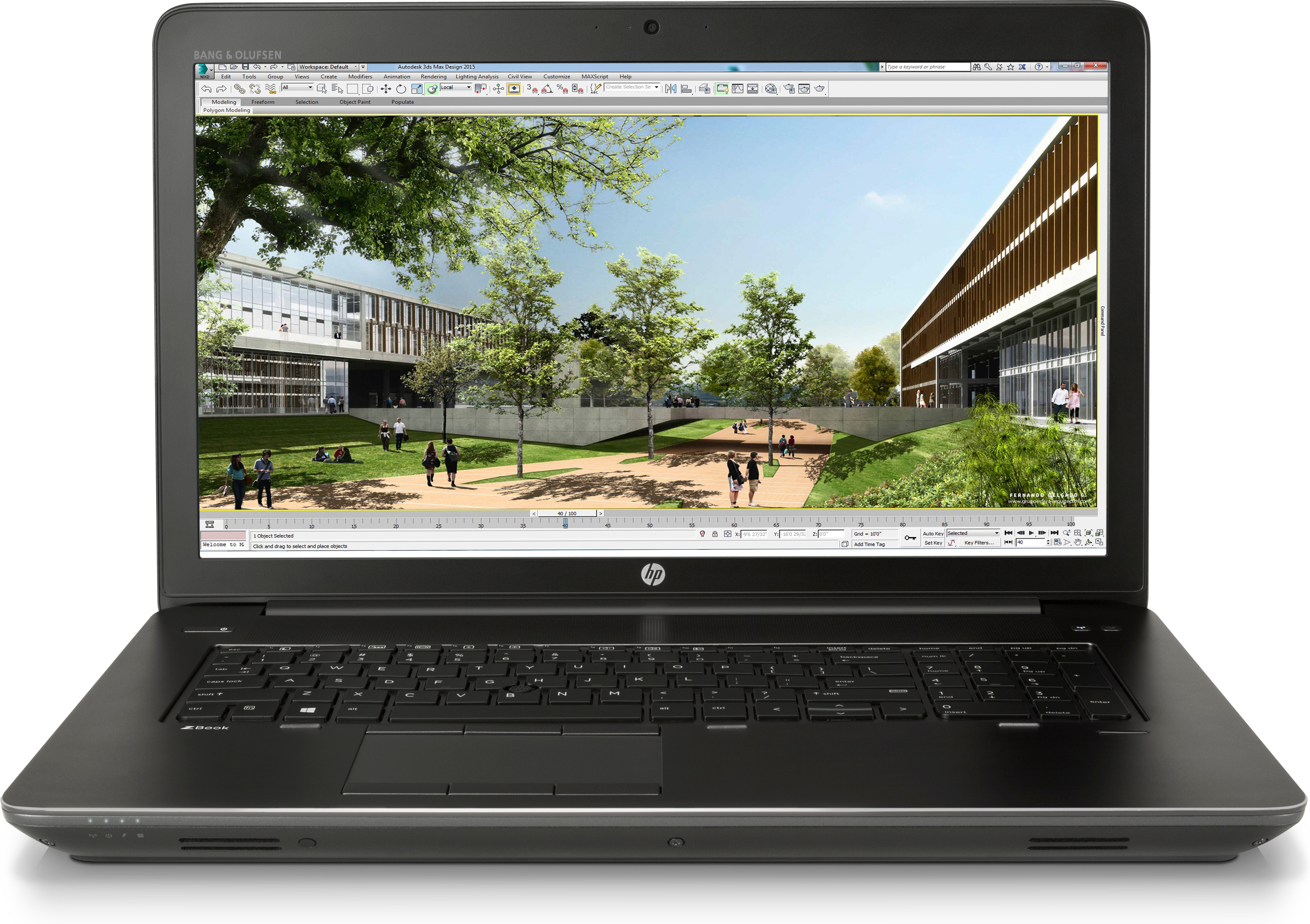
HP Workstation Laptops: Power and Performance for Professionals
Introduction
In the realm of professional computing, having a robust and reliable machine is crucial. HP Workstation Laptops are engineered to meet the demanding needs of professionals in fields like engineering, architecture, design, and data analysis. With powerful processors, advanced graphics, and a range of customizable options, HP workstation laptops are designed to handle intensive tasks with ease. In this article, we will explore the features, benefits, and considerations for choosing an HP workstation laptop.
What Are HP Zbook Workstation Laptops?
1. Overview of the HP Workstation Series
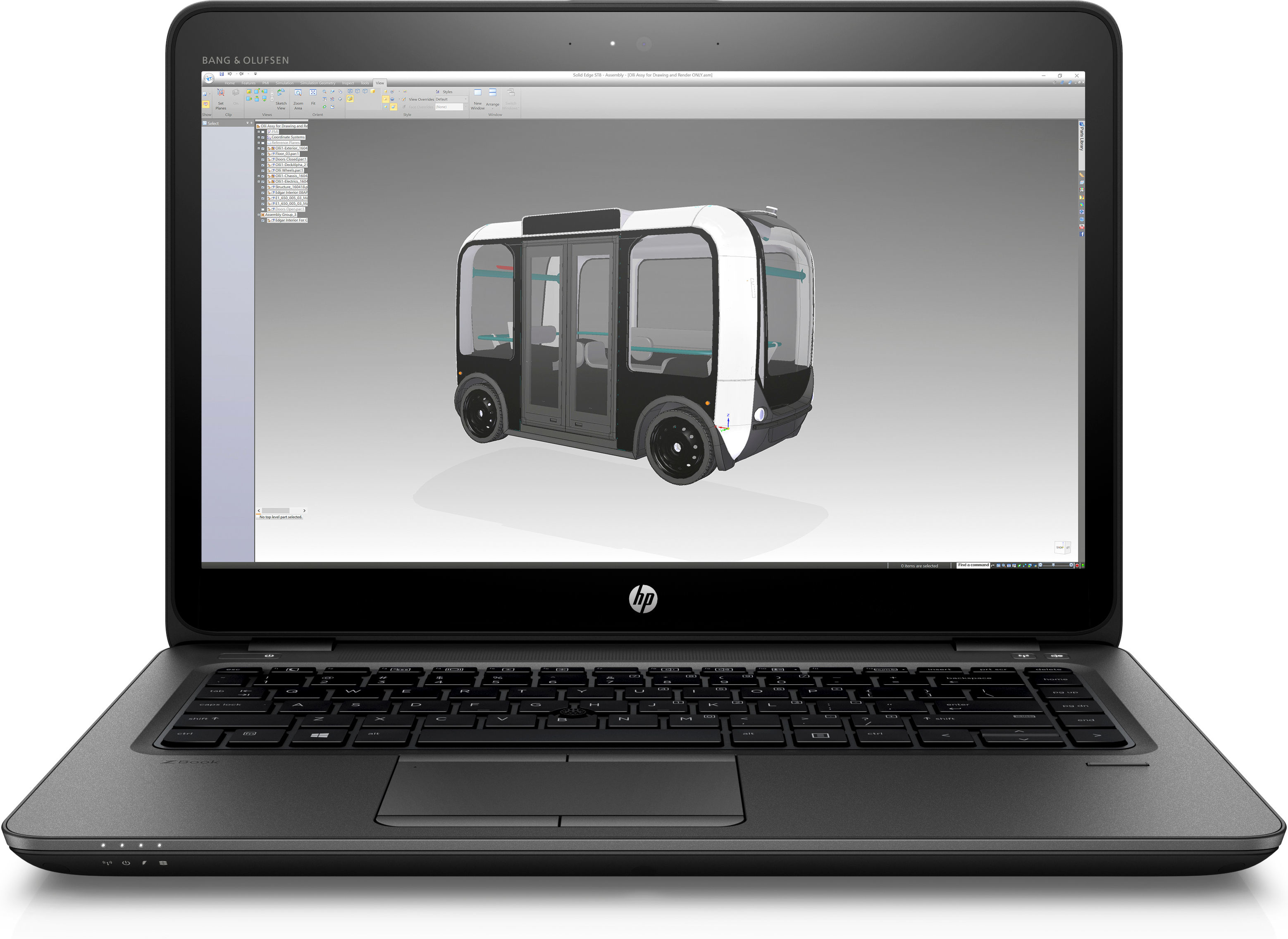
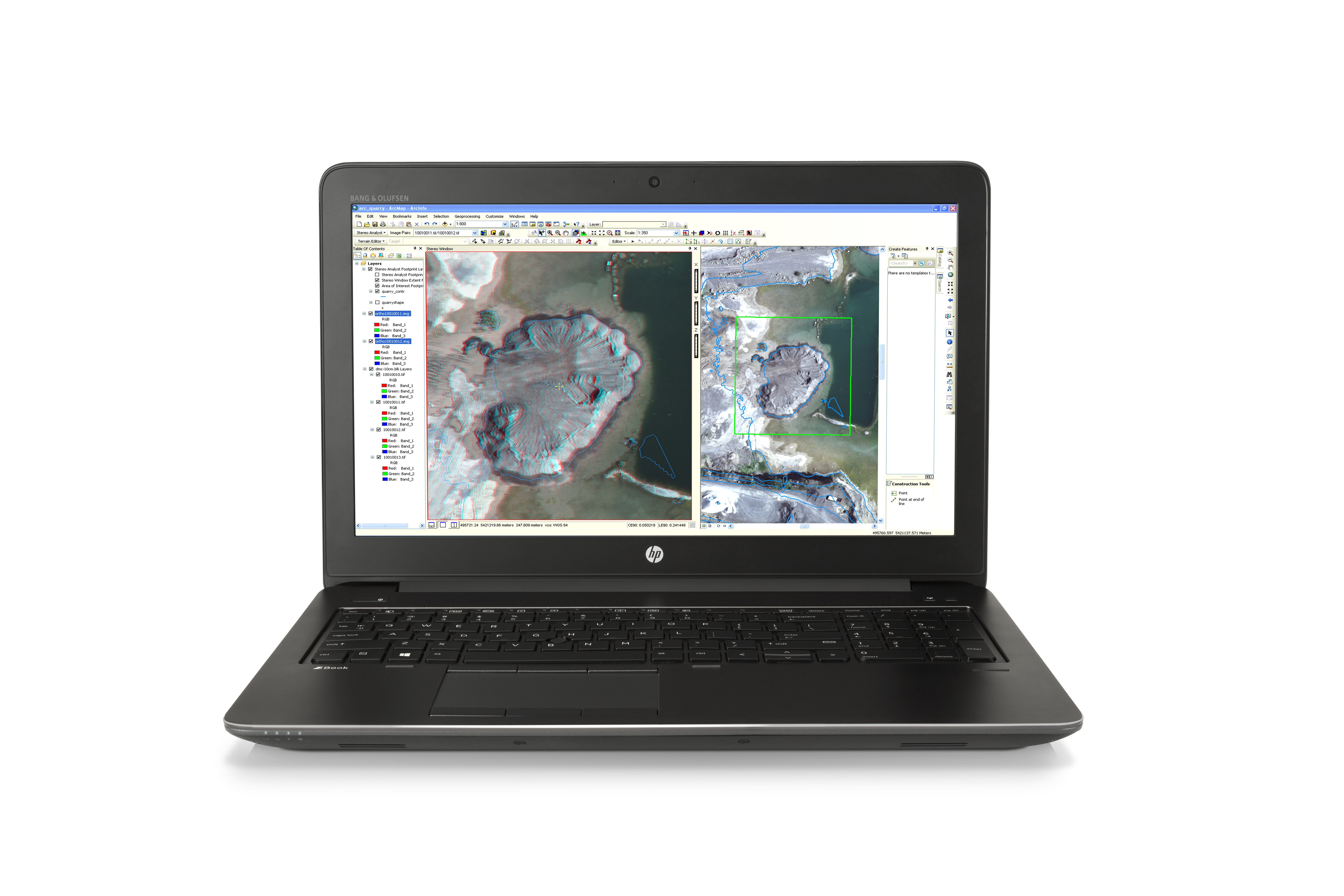
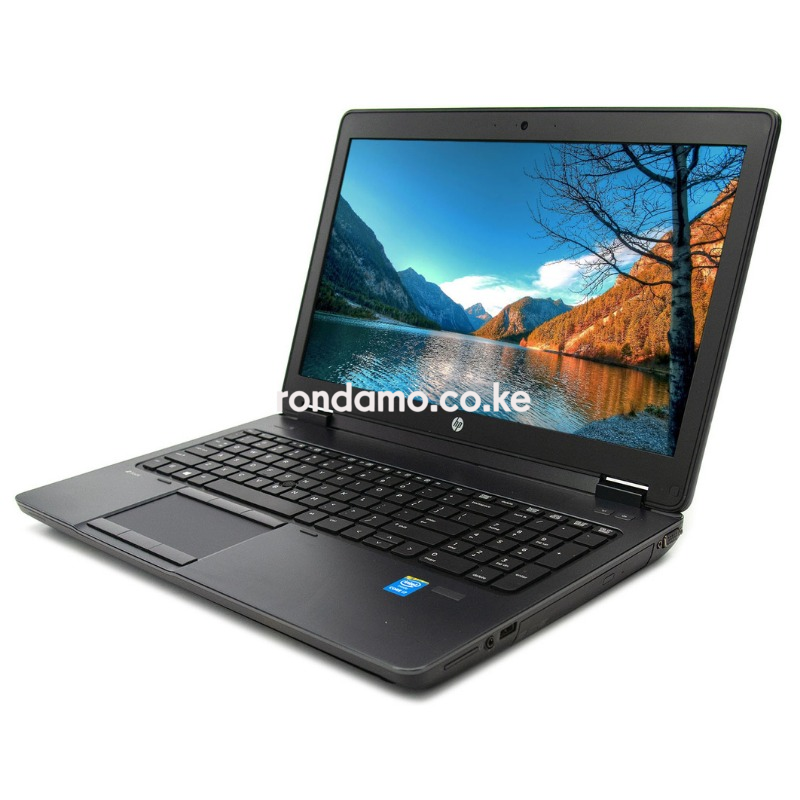
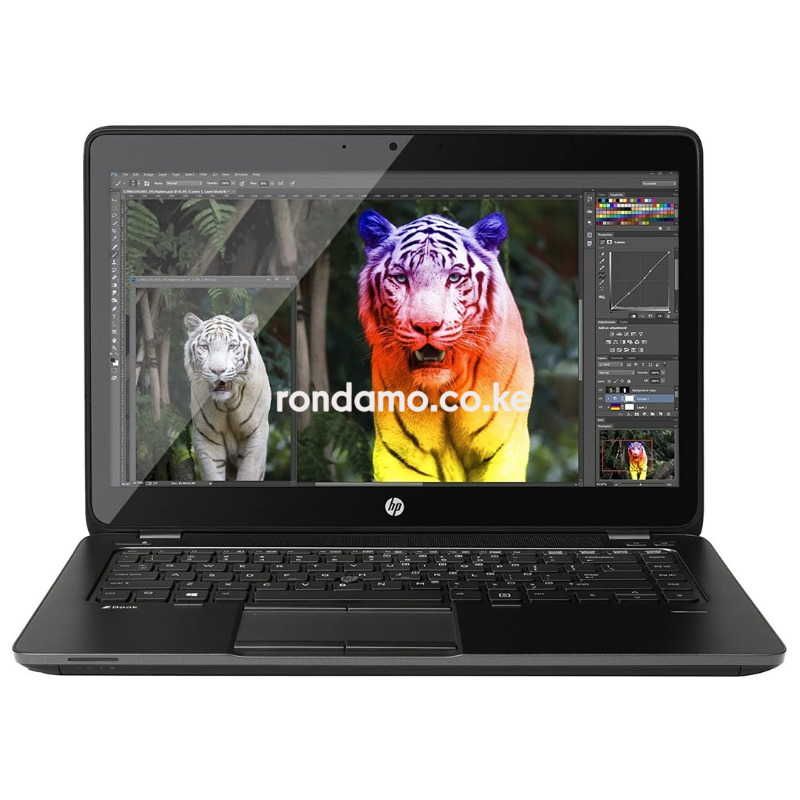
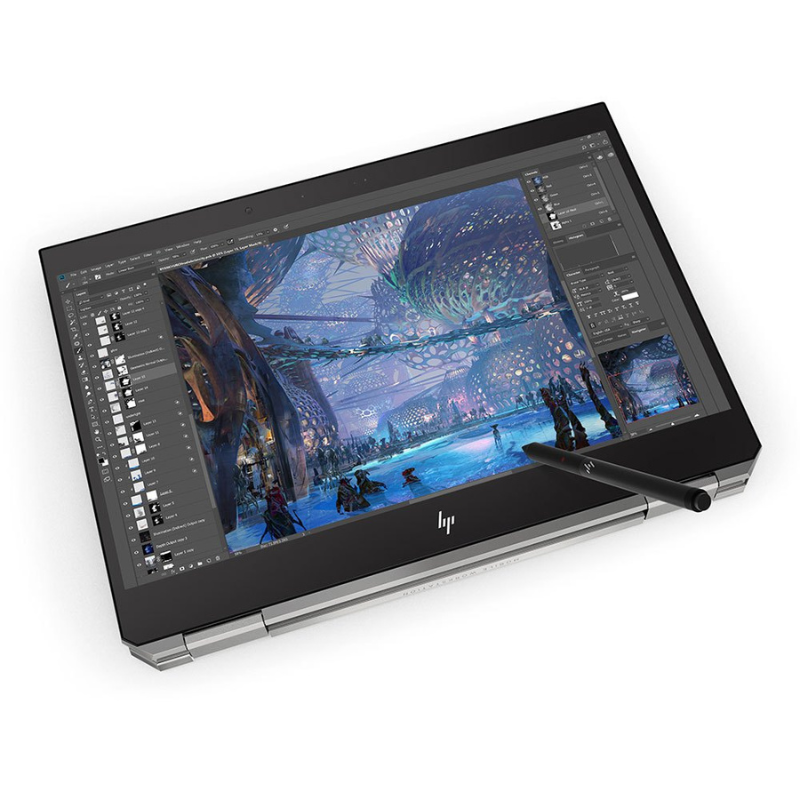
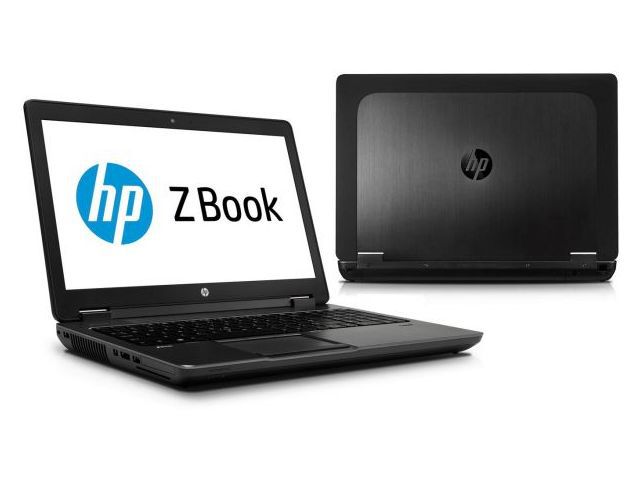
HP’s workstation laptops are a premium line of computers built specifically for professionals who require high performance and reliability. These laptops are equipped with powerful hardware and software to facilitate demanding applications in 3D modeling, simulation, video editing, and more.
2. Target Audience
HP workstation laptops cater to a diverse audience, including engineers, architects, graphic designers, and data scientists. They are ideal for anyone who requires a powerful machine to handle resource-intensive applications and multitasking.
Key Features of HP Zbook Workstation Laptops
1. Powerful Processors
HP workstation laptops are equipped with high-performance processors, including Intel Core i7/i9 and AMD Ryzen options. These processors provide the computational power needed for complex tasks and enhance overall system performance.
2. Advanced Graphics
Most HP workstation laptops come with dedicated graphics cards from NVIDIA or AMD. This feature is essential for professionals working with graphics-intensive applications, as it ensures smooth rendering and efficient processing of visual data.
3. High-Resolution Displays
HP workstation laptops typically feature high-resolution displays, such as 4K or Full HD, which offer vibrant colors and sharp details. This is crucial for professionals who rely on accurate visuals for design and editing work.
4. Expandable Storage and Memory
Many models allow for customizable storage and memory options. Users can upgrade RAM and choose between SSDs and HDDs to meet their specific performance needs. This flexibility ensures that the laptop can grow with the user’s requirements.
Benefits of HP Zbook Workstation Laptops
1. Exceptional Performance
HP workstation laptops are built to handle demanding applications with ease. The combination of powerful processors, dedicated graphics, and ample memory ensures that users can run multiple applications simultaneously without lag.
2. Enhanced Reliability
HP’s workstation series is designed for stability and reliability. They undergo rigorous testing to meet industry standards, providing peace of mind for professionals who rely on their machines for critical tasks.
3. Extensive Software Compatibility
HP workstation laptops are optimized for a wide range of professional software, including CAD, 3D modeling, video editing, and data analysis programs. This compatibility ensures that users can work efficiently without compatibility issues.
4. Long Battery Life
While powerful, HP workstation laptops are also designed to provide long battery life, allowing professionals to work on the go without constantly searching for an outlet. This feature is particularly beneficial for those who travel frequently for work.
Popular Models of HP Workstation Laptops
1. HP ZBook Fury 15 G8
Overview: The HP ZBook Fury 15 G8 is a high-end workstation laptop designed for professionals who need top-tier performance.
Processor: Intel Core i9
Graphics: NVIDIA RTX A5000
Display: 15.6-inch 4K UHD
Memory: Up to 128GB RAM
Storage: Up to 4TB SSD
Why It’s Great: This model is perfect for graphic designers and video editors who require exceptional power and stunning visuals.
2. HP ZBook Create G7
Overview: The HP ZBook Create G7 combines performance with portability, making it ideal for creative professionals.
Processor: Intel Core i7
Graphics: NVIDIA GeForce RTX 2070
Display: 15.6-inch Full HD or 4K UHD
Memory: Up to 32GB RAM
Storage: Up to 2TB SSD
Why It’s Great: This laptop is designed for those who work with high-resolution graphics and video, offering a balance between power and design.
3. HP ZBook Power G8
Overview: The HP ZBook Power G8 is an entry-level workstation that offers excellent performance for everyday tasks.
Processor: Intel Core i5/i7
Graphics: NVIDIA T1200
Display: 15.6-inch Full HD
Memory: Up to 64GB RAM
Storage: Up to 2TB SSD
Why It’s Great: This model is perfect for students and professionals who need a reliable workstation without the high-end price tag.
How to Choose the Right HP Zbook Workstation Laptop
1. Identify Your Needs
Determine the specific applications and tasks you will use the laptop for. If you work with graphics-intensive programs, prioritize models with dedicated graphics cards and higher RAM.
2. Set a Budget
HP workstation laptops are available at various price points. Set a budget that aligns with your requirements while considering the features you need for optimal performance.
3. Read Reviews
Before making a purchase, read reviews and comparisons of different models. User feedback can provide valuable insights into performance, reliability, and user satisfaction.
4. Check Warranty and Support
Consider the warranty and support options available with the laptop. HP offers various support packages, and having access to reliable customer service can be beneficial in the long run.
Tips for Maintaining Your HP Workstation Laptop
1. Regular Software Updates
Keep your operating system and drivers up to date to ensure optimal performance and security. Manufacturers often release updates that can enhance battery life and improve functionality.
2. Clean the Laptop Internally
Dust and debris can accumulate inside your laptop, affecting cooling and performance. Periodically clean the vents and fans to ensure proper airflow.
3. Use a Cooling Pad
To maintain performance during intensive tasks, consider using a cooling pad. This accessory helps prevent overheating and extends the life of your laptop.
4. Monitor Battery Health
Check your battery’s health regularly and avoid letting it discharge completely. Keeping your battery charged between 20% and 80% can prolong its lifespan.
Conclusion
HP Workstation Laptops are designed to meet the high-performance demands of professionals across various fields. With powerful processors, advanced graphics, and customizable options, these laptops provide exceptional performance and reliability. By understanding your needs and considering the right model, you can find the perfect HP workstation laptop to elevate your productivity and enhance your workflow. Invest in an HP workstation laptop today and experience the difference it can make in your professional endeavors!