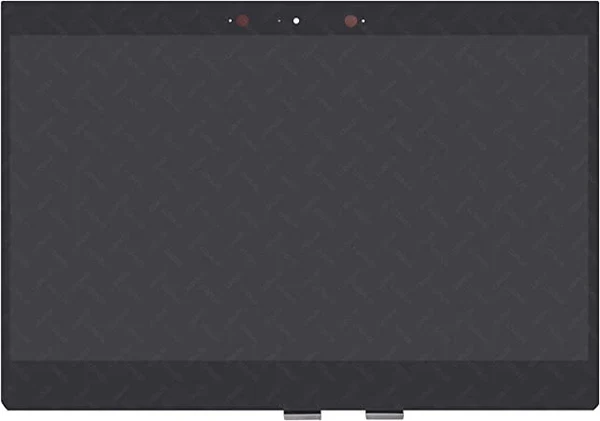
Broken laptop screen? Get affordable replacement & repair services in Nairobi with fast turnaround.
Laptop Screens
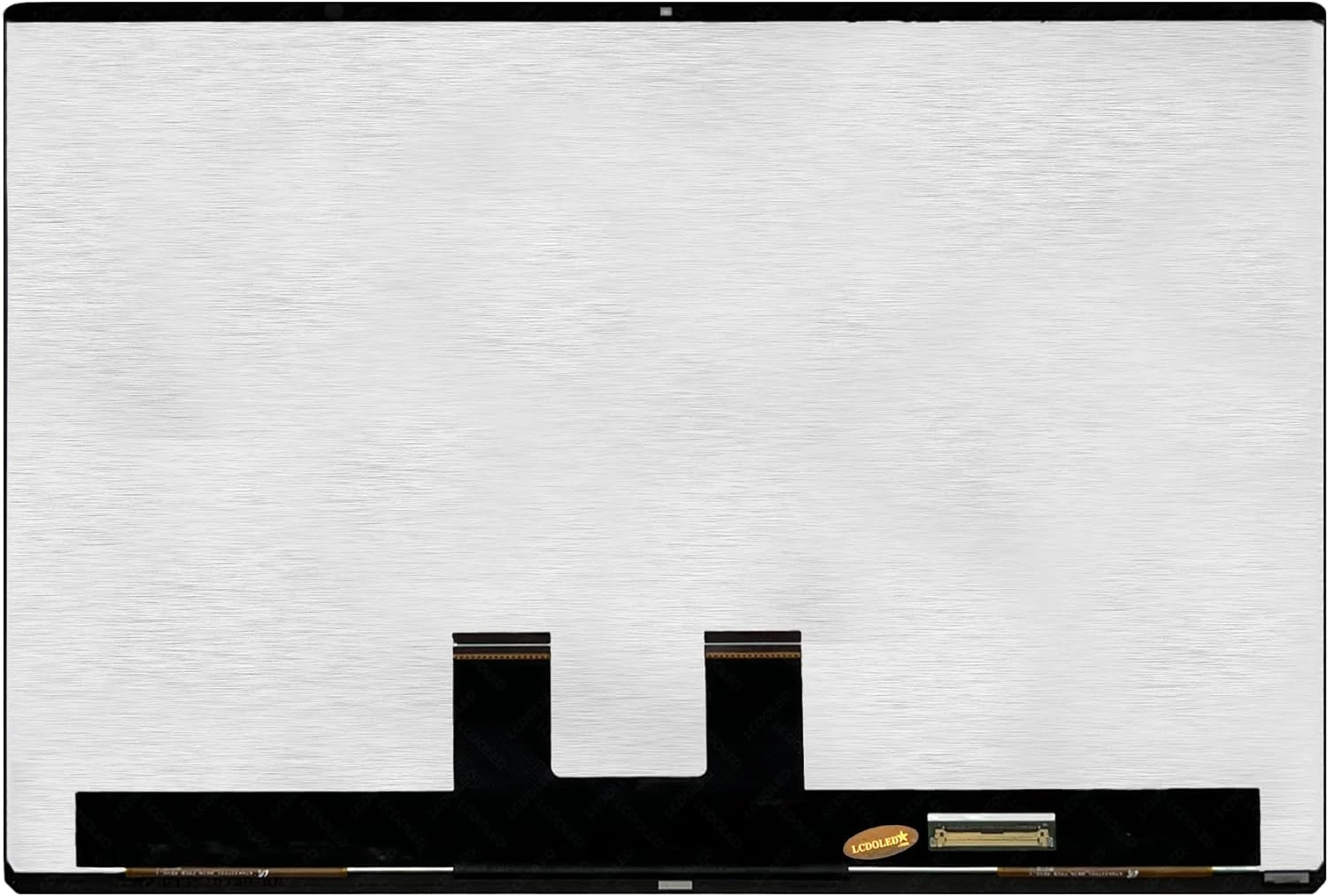
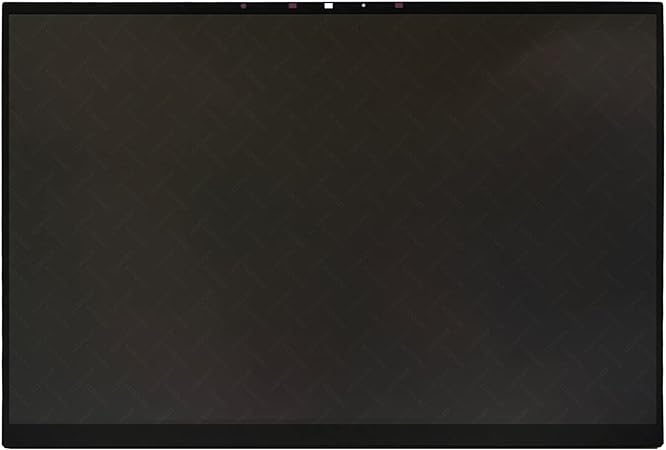
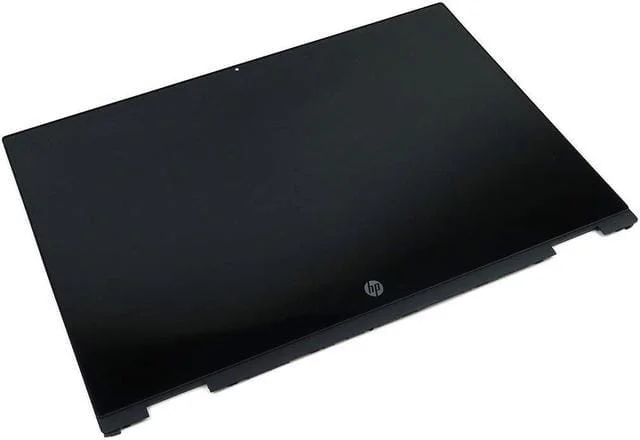
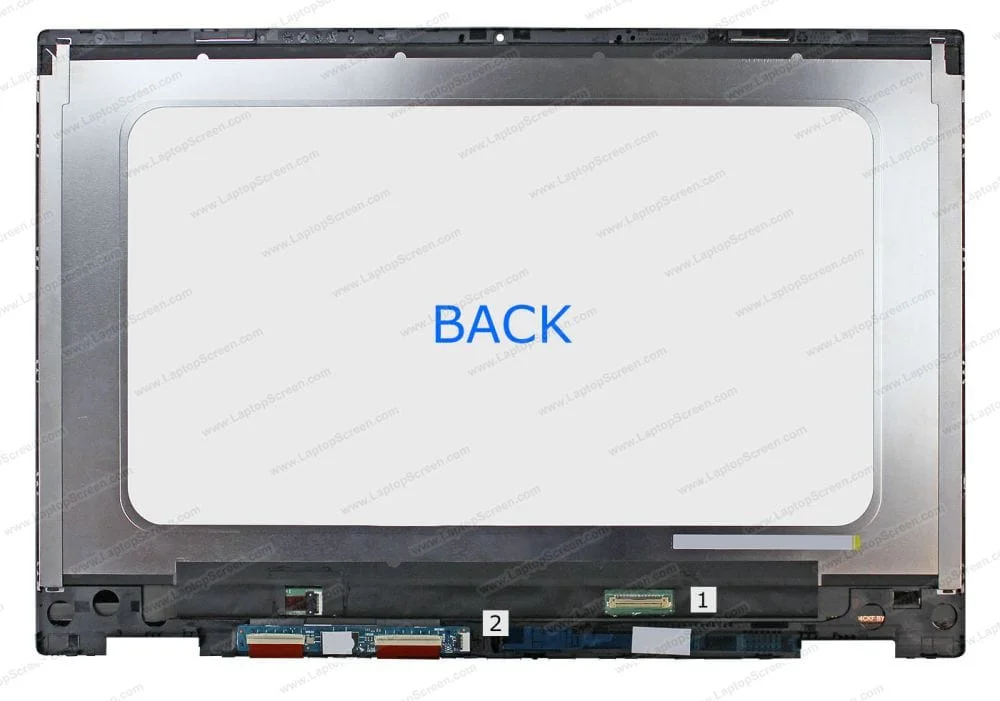
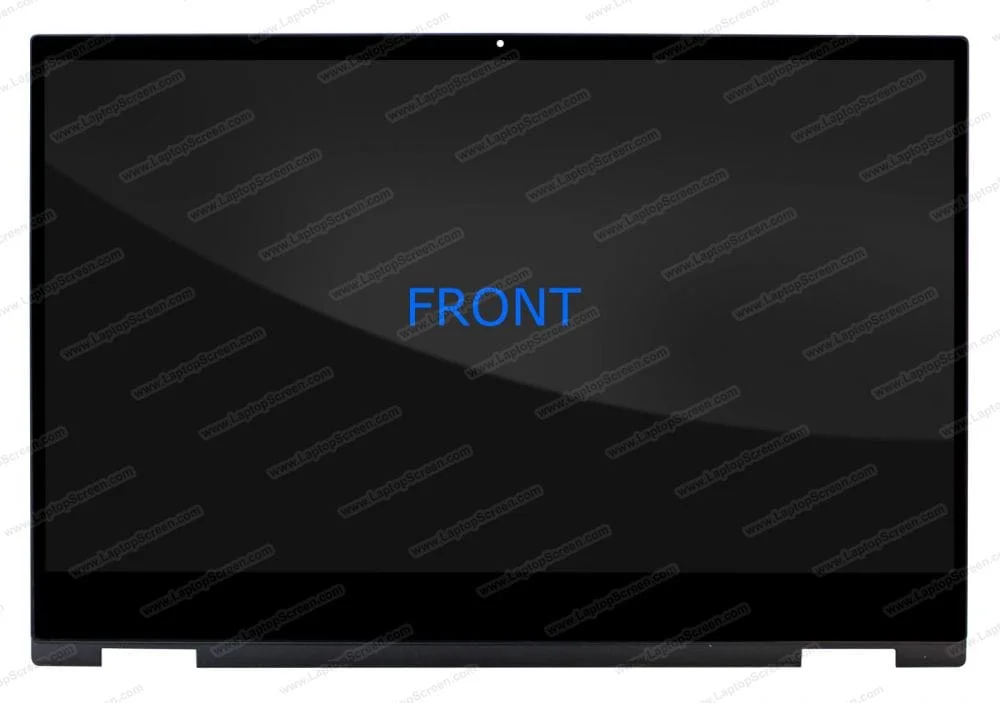
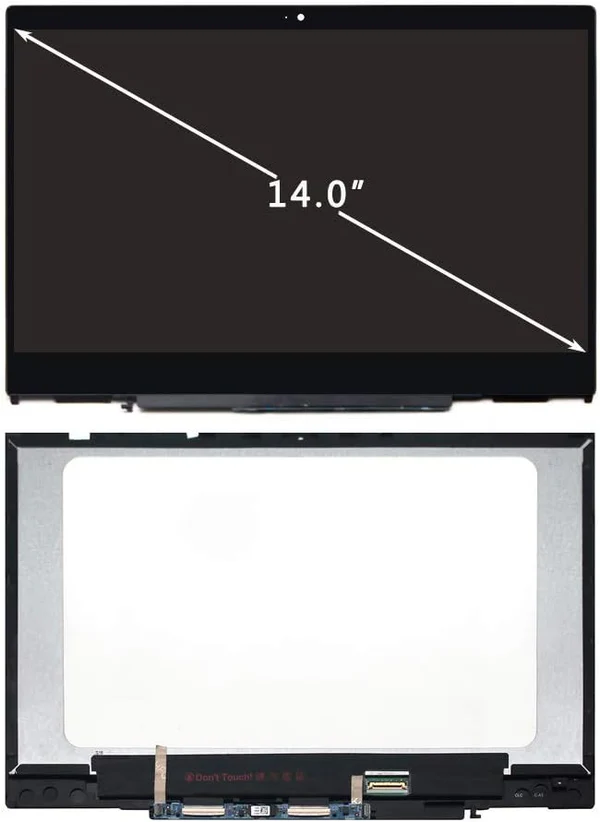
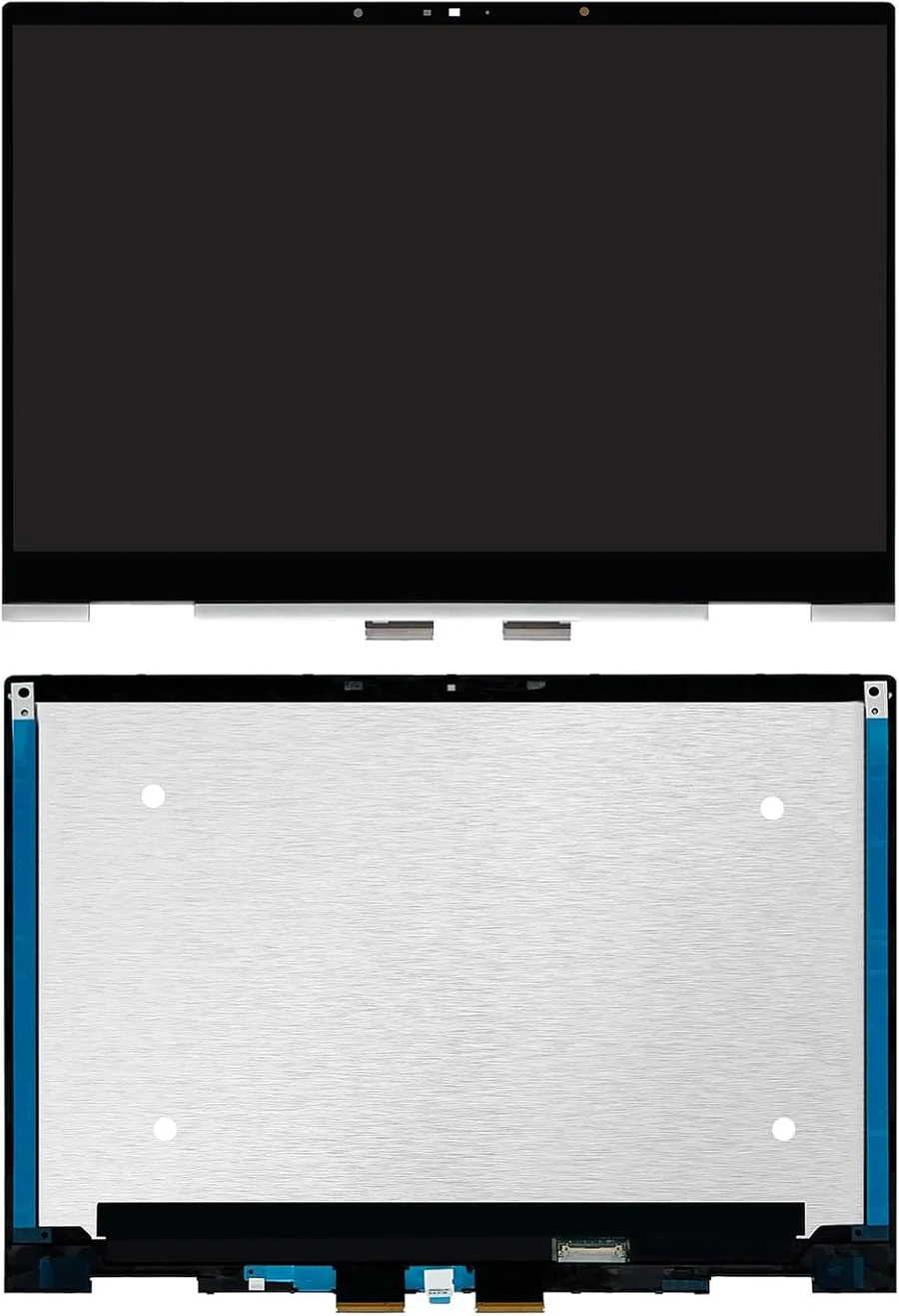
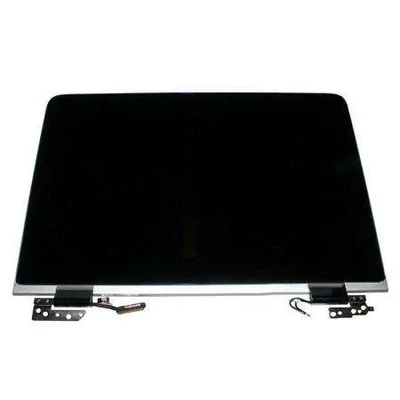

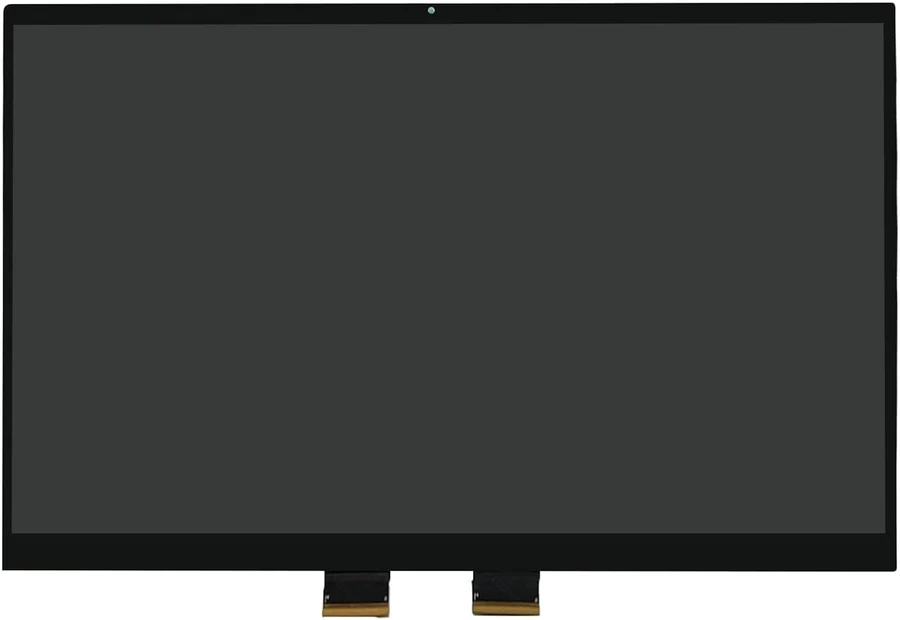
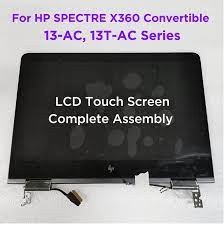
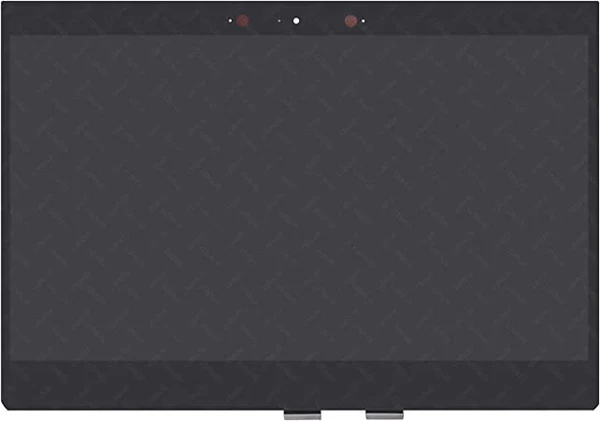
Broken laptop screen? Get affordable replacement & repair services in Nairobi with fast turnaround.
The screen is one of the most critical components of any laptop. A good laptop screen can enhance your computing experience, improve productivity, and make your multimedia tasks more enjoyable. This guide explores the various types of laptop screens, their features, and tips for selecting the best display for your needs.
When it comes to laptop screens, various technologies offer distinct advantages and disadvantages. Here are the most common types:
1. TN (Twisted Nematic) Panels
TN panels are the most widely used screens in budget laptops. They offer fast response times, making them suitable for gaming. However, they have limited viewing angles and poorer color reproduction compared to other types. This means that the image quality can degrade when viewed from the sides.
Pros:
Fast response times
Affordable
Cons:
Limited color accuracy
Narrow viewing angles
2. IPS (In-Plane Switching) Panels
IPS panels have gained popularity due to their superior color accuracy and wider viewing angles. They are ideal for professionals in graphic design, video editing, or anyone who values image quality. While they tend to be more expensive than TN panels, the benefits they provide in terms of visual experience are often worth the investment.
Pros:
Excellent color reproduction
Wide viewing angles
Cons:
Generally more expensive
Slower response times than TN panels
3. OLED (Organic Light-Emitting Diodes)
OLED screens deliver exceptional image quality, offering vibrant colors and deep blacks. This technology allows for better contrast ratios, enhancing multimedia experiences like watching movies or playing games. However, OLED panels can be more expensive and may have issues with burn-in over time.
Pros:
Stunning visuals with vibrant colors
Deep blacks and excellent contrast
Cons:
Higher price point
Potential burn-in issues
When selecting a laptop screen, several features can significantly impact your experience. Consider the following:
1. Resolution
Resolution plays a critical role in how sharp and clear the images appear on your screen. Common resolutions include:
HD (1366 x 768): Suitable for basic tasks but lacks clarity for high-definition content.
Full HD (1920 x 1080): A standard resolution for most laptops, providing excellent clarity for everyday use.
4K (3840 x 2160): Offers stunning detail and is ideal for graphic design, video editing, and watching high-definition content.
2. Brightness
Brightness is measured in nits and affects how well the screen performs in various lighting conditions. A brighter screen is easier to use in well-lit environments and outdoors. Look for screens with at least 250 nits for good visibility in typical conditions.
3. Screen Size
Screen size is a personal preference and depends on your use case. Larger screens (15 inches and above) enhance productivity, especially for multitasking and media consumption. However, they can reduce portability. Conversely, smaller screens (13 inches) are more portable but may compromise on workspace.
Investing in a high-quality laptop screen is essential for anyone who spends significant time on their device. Understanding the different types of screens, their features, and how they align with your needs will help you make an informed decision. Whether you're a casual user, a professional, or a gamer, selecting the right laptop screen can greatly enhance your overall experience. Explore your options, weigh the pros and cons, and choose a laptop screen that best suits your lifestyle!