Find affordable projector prices in Kenya. Browse HD, Full HD and 4K projectors plus manual and motorized projector screens for home, office and education use.
Projectors & Projector Screens
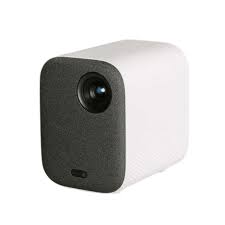
Find affordable projector prices in Kenya. Browse HD, Full HD and 4K projectors plus manual and motorized projector screens for home, office and education use.
Projectors and projector screens are essential tools for creating immersive viewing experiences, whether for home theaters, business presentations, or educational settings. With advancements in technology, there are many options available to suit various needs and preferences. This guide explores the key features, benefits, and tips for selecting the right projector and screen for your setup.
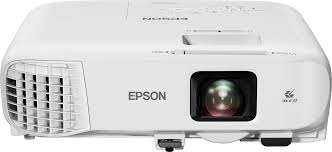
Projectors are devices that take an image or video source and project it onto a larger surface, such as a screen or wall. They are widely used in home entertainment, business environments, and classrooms to enhance visual presentations.
Measurement of Brightness: Brightness is measured in lumens. Higher lumens mean a brighter image, which is crucial for well-lit environments.
Choosing Brightness Levels: For home theaters, 1,500 to 2,500 lumens may suffice, while business or outdoor projectors might require 3,000 lumens or more.
Image Clarity: Common resolutions include 720p (HD), 1080p (Full HD), and 4K. Higher resolution provides clearer and sharper images, essential for detailed visuals.
Aspect Ratio: Consider the aspect ratio (e.g., 16:9, 4:3) that best fits your content and screen.
Throw Ratio: This determines how far the projector needs to be from the screen to produce a certain image size. Short-throw projectors can be placed closer, while long-throw projectors require more distance.
Screen Size Compatibility: Ensure the projector can produce the desired screen size based on your room layout.
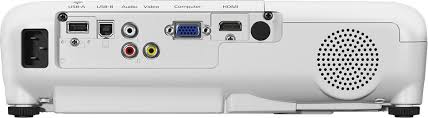
Input Ports: Look for various input options such as HDMI, VGA, USB, and wireless connectivity to ensure compatibility with your devices.
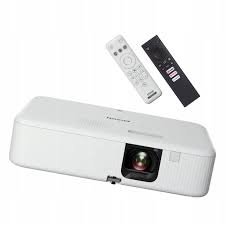
Streaming Capabilities: Some projectors come with built-in streaming options for easy access to online content.
What are Projector Screens?
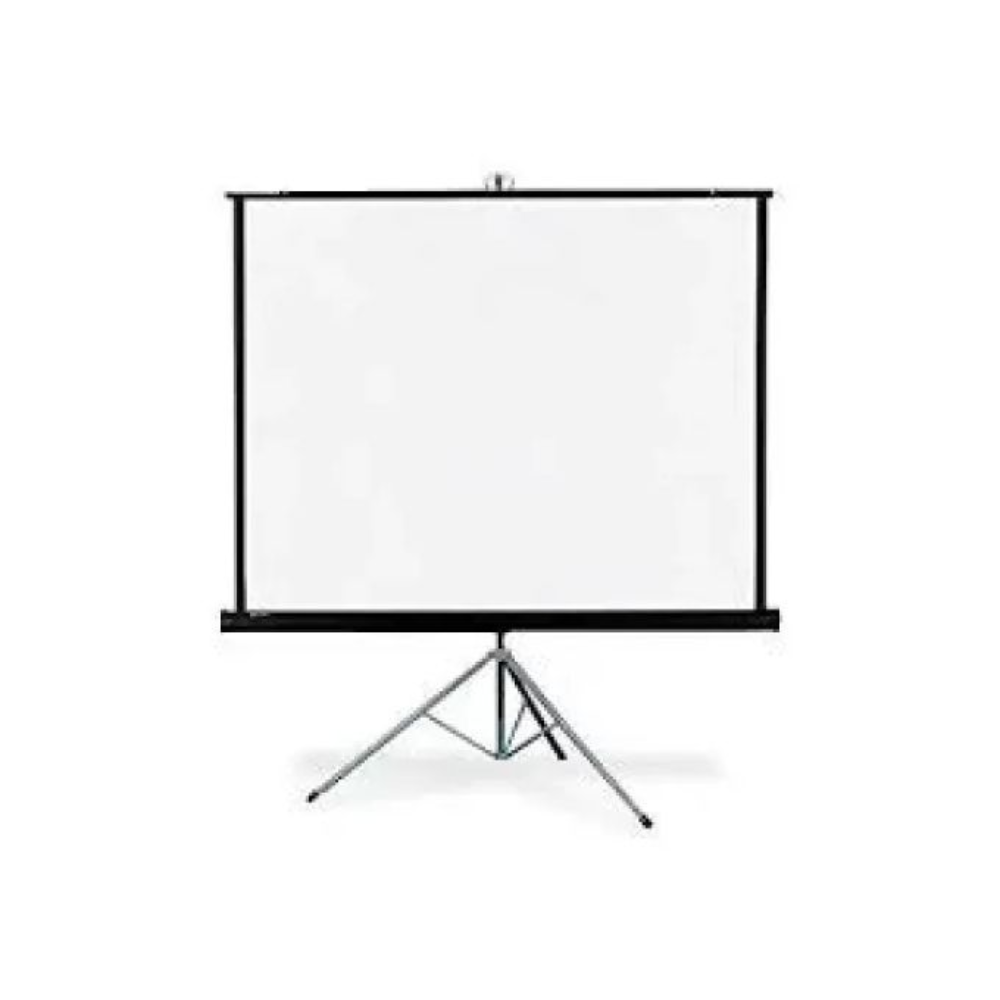
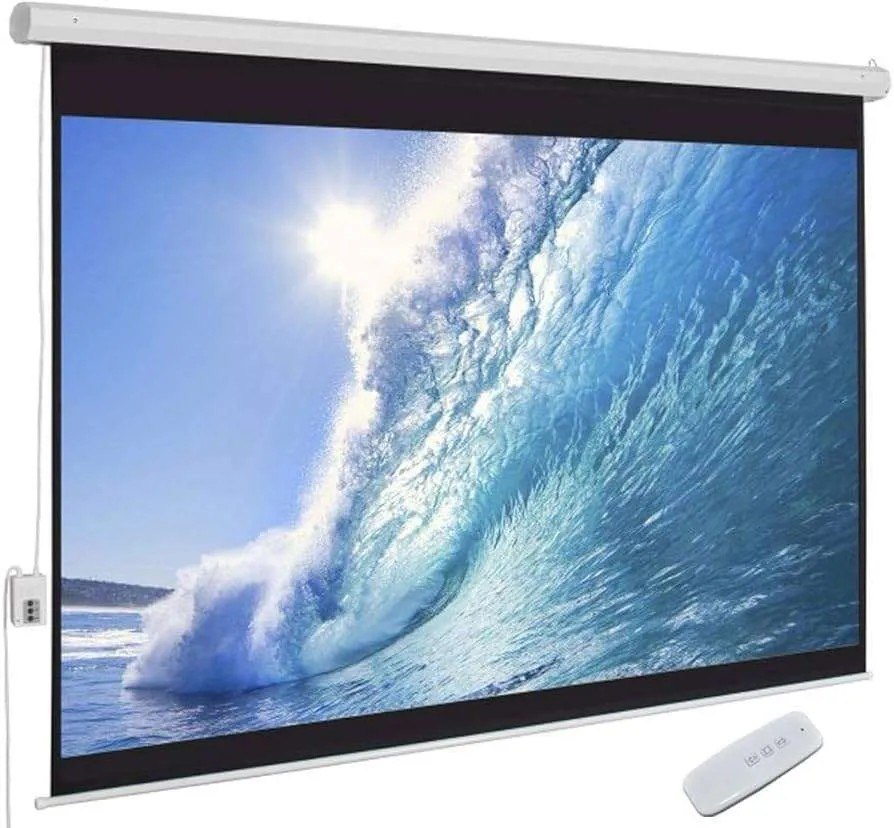
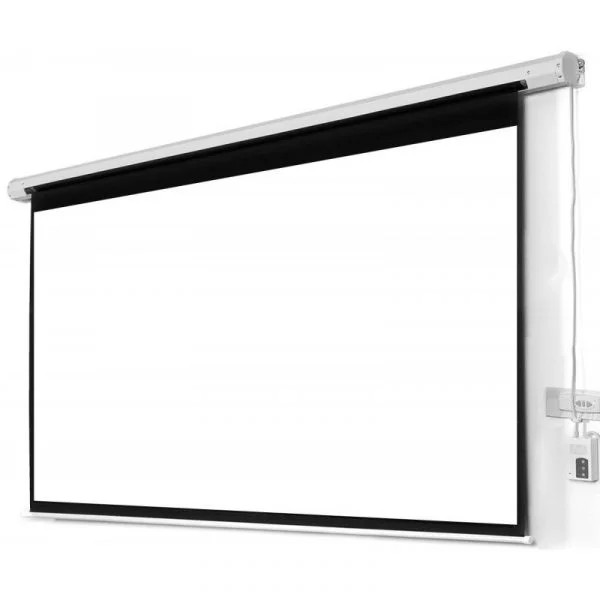
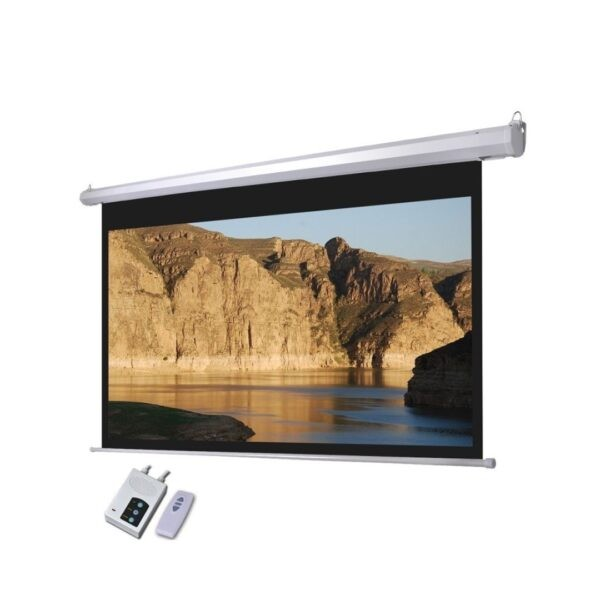
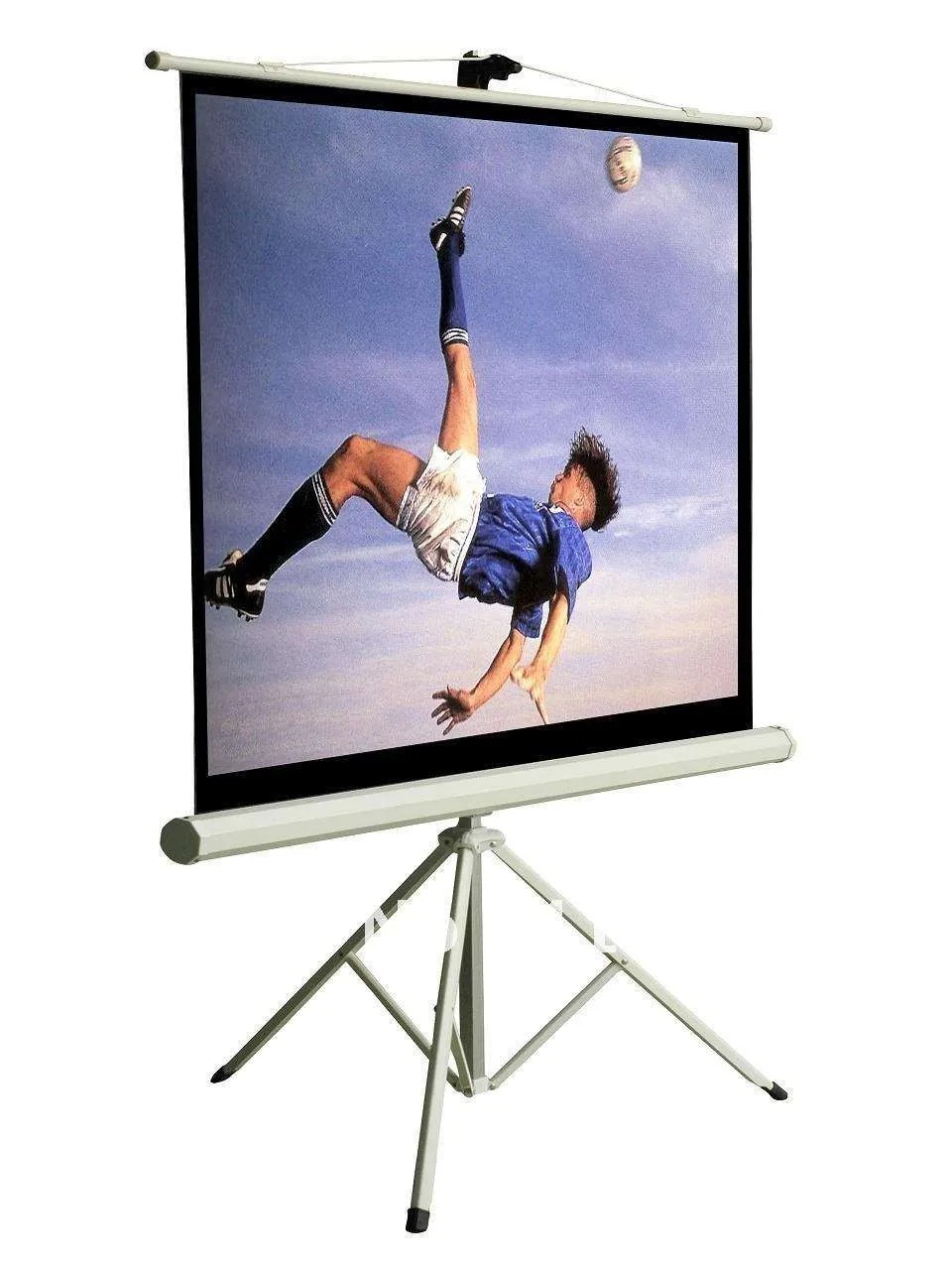
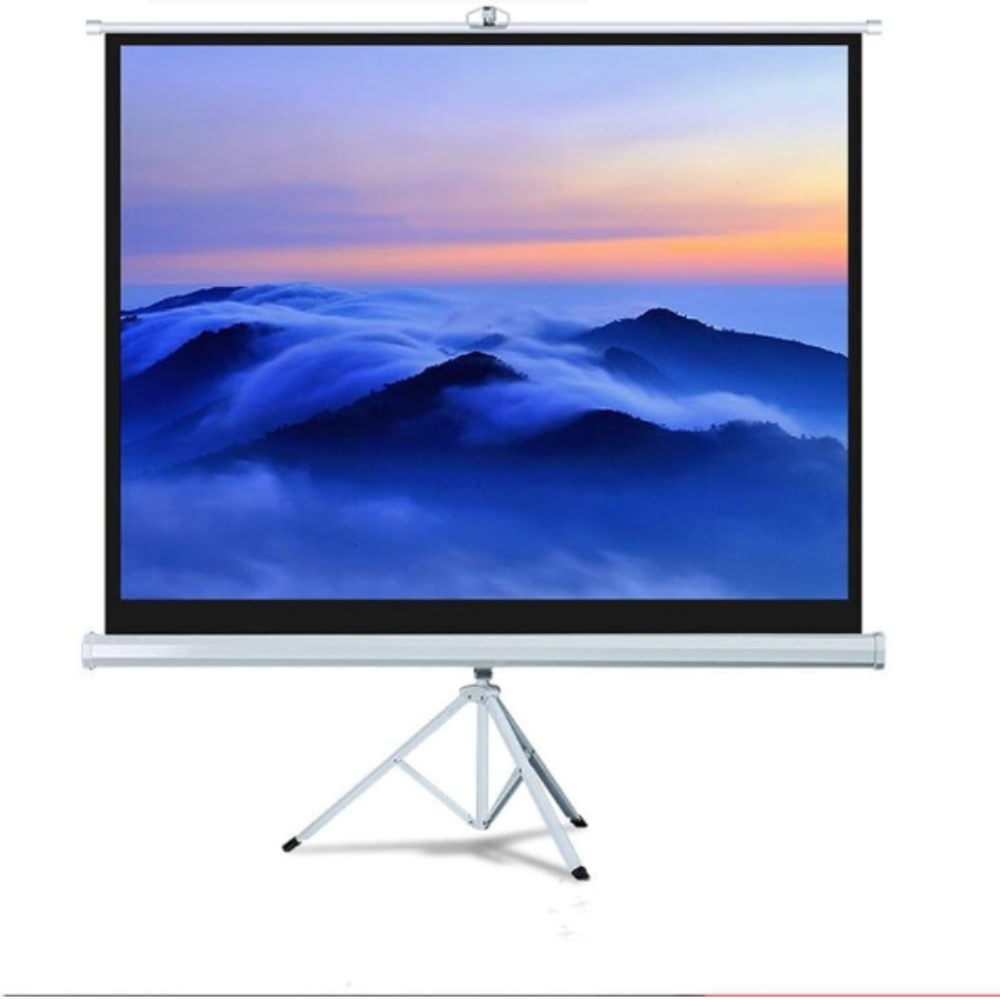
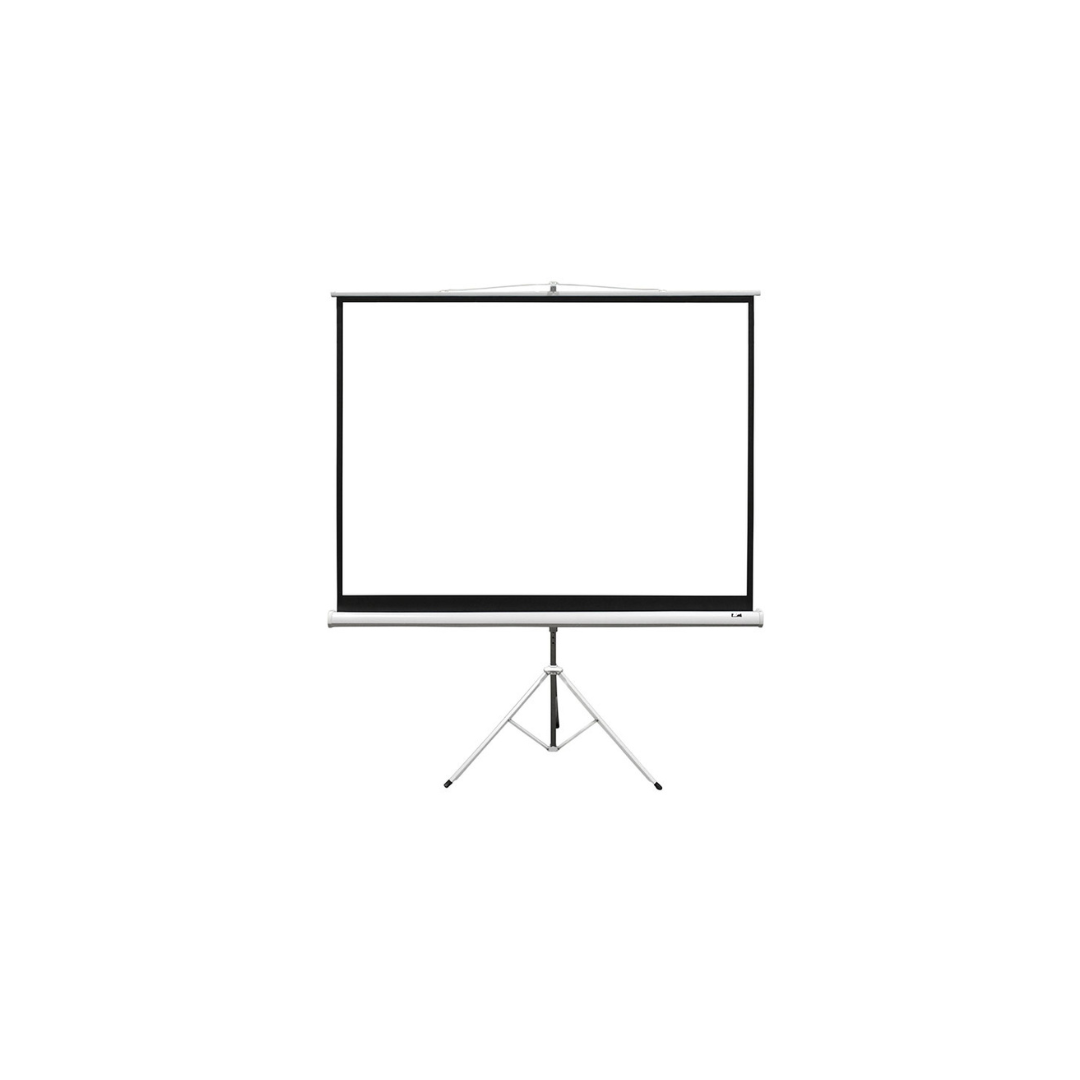
Projector screens provide a dedicated surface for projecting images and videos, enhancing picture quality and color accuracy. They come in various types and materials, designed for different environments and projection needs.
Fixed Frame Screens: Permanently mounted screens that provide a taut surface, ideal for home theaters.
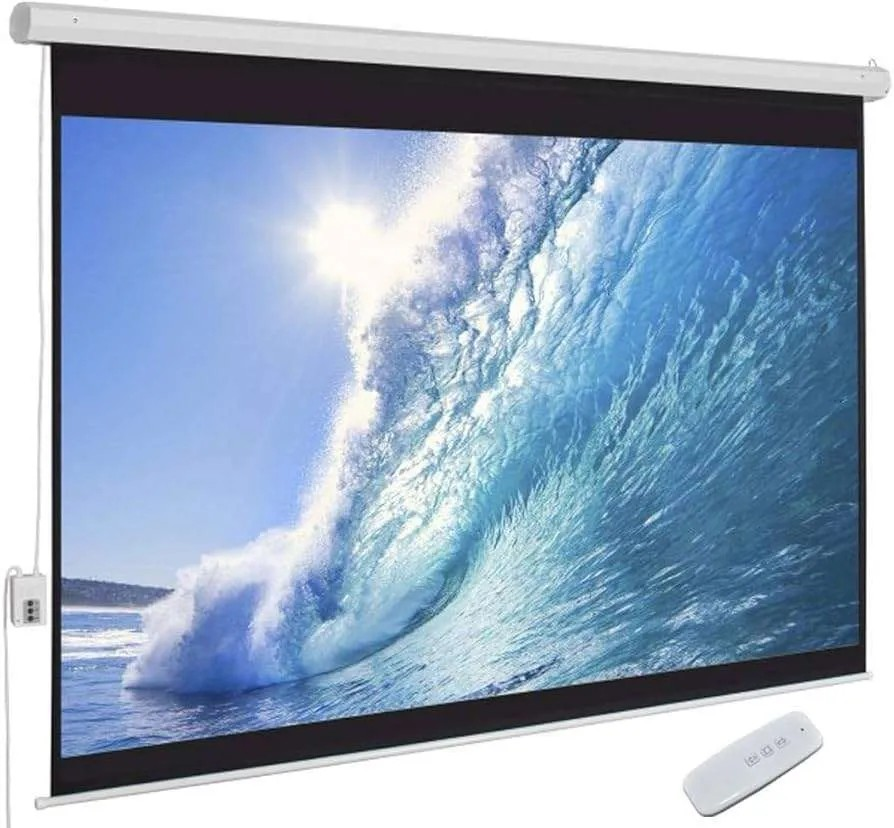
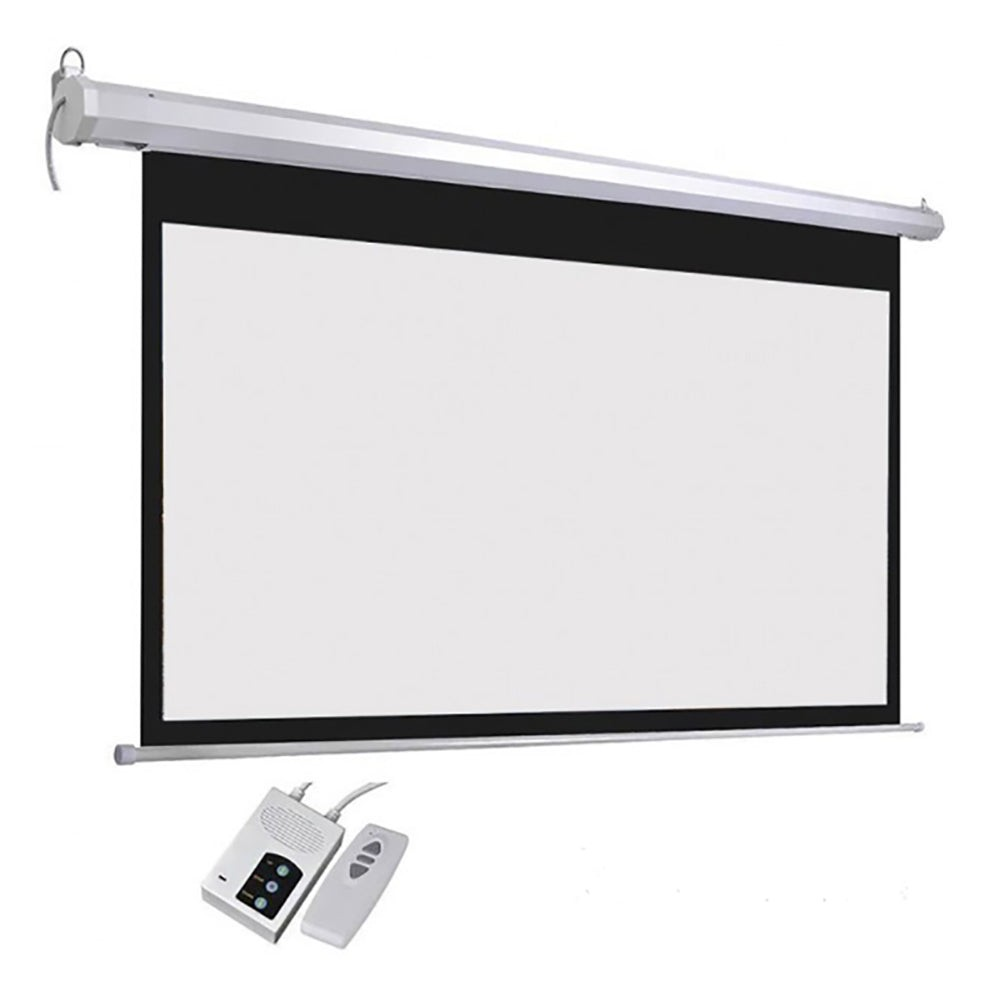
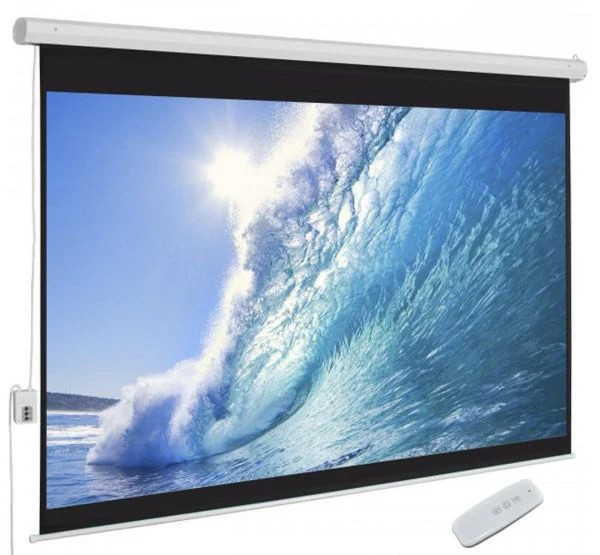
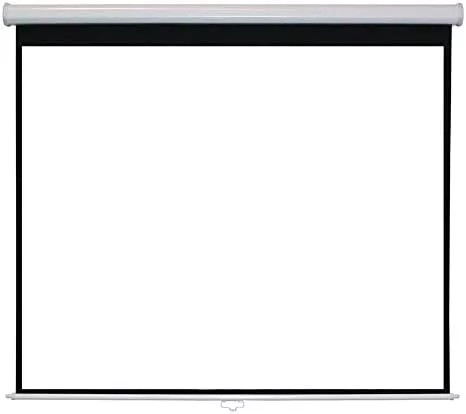
Retractable Screens: These can be pulled down and hidden when not in use, suitable for multi-purpose rooms.
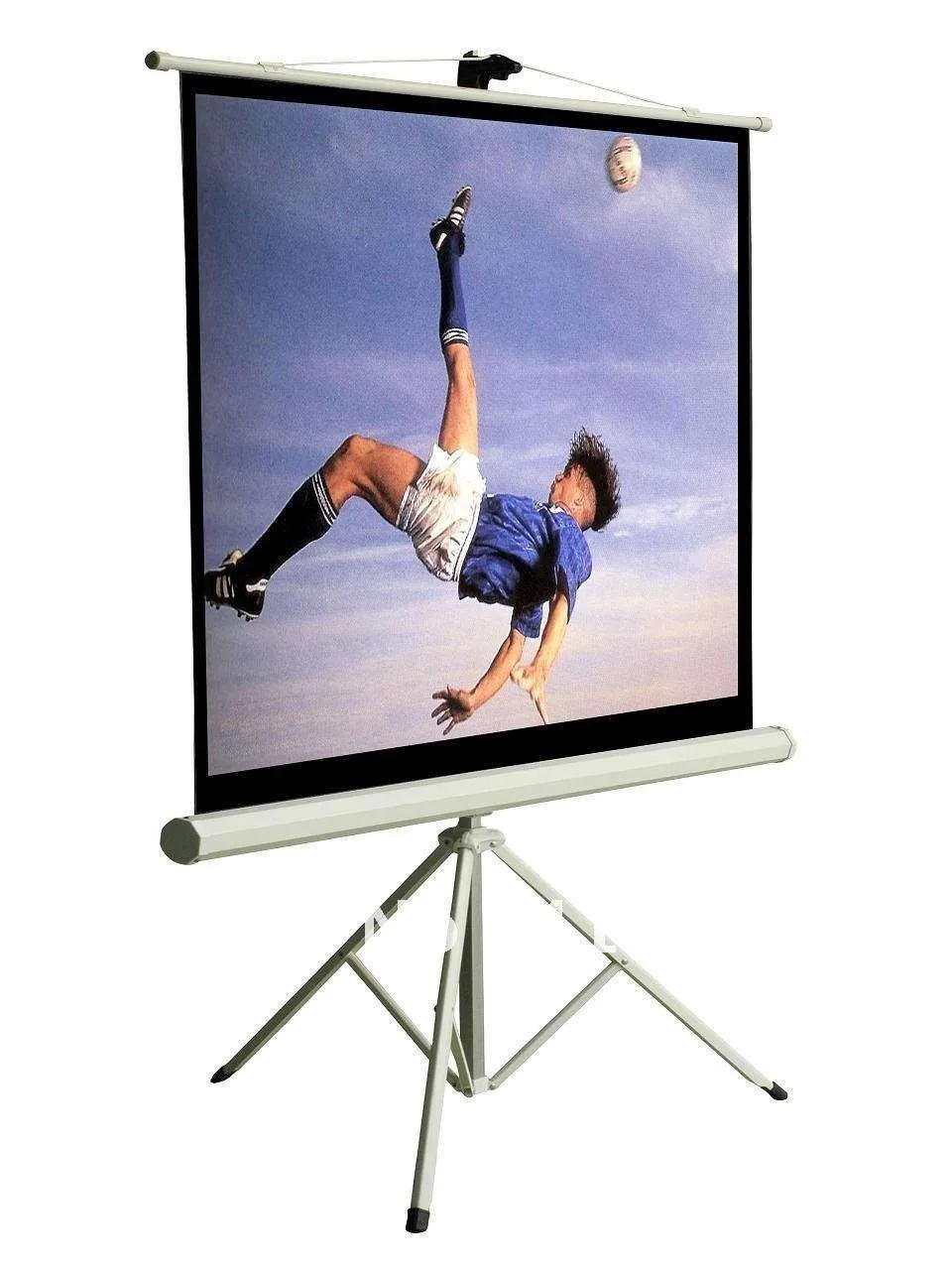
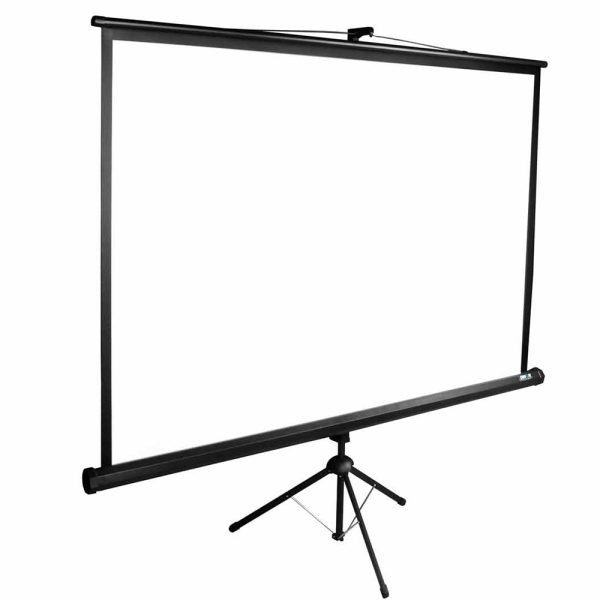
Portable Screens: Lightweight and easy to transport, perfect for presentations on the go.
Gain Factor: Screen materials have different gain levels, affecting brightness and viewing angles. Higher gain screens reflect more light, enhancing brightness.
Material Options: Look for materials designed for specific environments, such as matte white for standard use or ambient light-rejecting materials for brighter rooms.
Aspect Ratios: Screens come in various aspect ratios, so choose one that matches your projector and content type (e.g., 16:9 for movies, 4:3 for presentations).
Viewing Distance: Consider the size of the screen in relation to your viewing distance for optimal visual experience.
Combining projectors and screens provides a larger-than-life viewing experience, ideal for movies, gaming, and presentations.
Projectors take up less space than traditional televisions, making them suitable for smaller rooms or multi-purpose spaces.
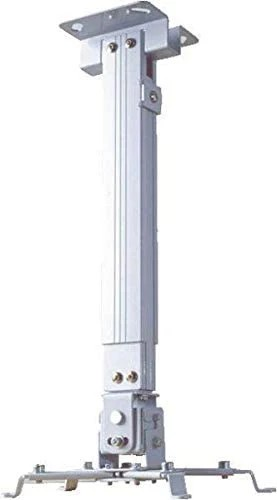
Projectors and screens can be tailored to fit various environments, allowing for flexible installation options to meet specific needs.
For large displays, projectors can often be more cost-effective than large TVs, especially when considering screen size.
Identify how you plan to use the projector—whether for home entertainment, business presentations, or educational purposes. This will guide your choices in features and specifications.
Evaluate the size of your room and the amount of ambient light. This will help determine the brightness and type of projector and screen needed for optimal viewing.
Set a budget and explore options within your price range. Consider both the projector and screen as a combined investment for your setup.
Think about future needs, such as upgrades or changes in technology, and choose equipment that can accommodate those possibilities.
Projectors and projector screens provide an immersive and flexible viewing experience, perfect for various applications. By understanding the key features and benefits, and considering your specific needs, you can select the right projector and screen to elevate your visual presentations. Whether for entertainment, education, or business, a well-chosen projector setup can enhance the quality of your viewing experience.