
Find the best prices for networking equipment in Nairobi Kenya. Shop servers, routers, Wi-Fi range extenders, switches & accessories. Affordable prices & fast delivery.









Showing 360 to 384 of 739 results.
Networking is the backbone of modern communication, enabling devices to connect, share resources, and access the internet. Whether for personal use or in a business environment, understanding networking fundamentals is essential. This guide covers the key concepts, types of networks, hardware, and tips for setting up and maintaining your network.
What is Networking?
Networking refers to the practice of connecting computers and other devices to share data and resources. It involves both hardware and software components that allow for communication over various media.
Types of Networks
1. Local Area Network (LAN)
Overview: Connects devices within a limited geographic area, such as a home or office.
Use Cases: File sharing, printer access, and local gaming.
Characteristics: High speed, low latency, and limited range.
2. Wide Area Network (WAN)
Overview: Covers a broad area, often spanning cities or countries.
Use Cases: Connecting multiple LANs, internet access.
Characteristics: Lower speed compared to LAN, higher latency.
3. Wireless Local Area Network (WLAN)
Overview: A LAN that uses wireless technology to connect devices.
Use Cases: Home Wi-Fi networks, coffee shops, and offices.
Characteristics: Flexibility and mobility, though may have interference issues.
4. Metropolitan Area Network (MAN)
Overview: Connects users in a specific geographic area, such as a city.
Use Cases: City-wide Wi-Fi, community networks.
Characteristics: Larger than a LAN but smaller than a WAN.
5. Personal Area Network (PAN)
Overview: Connects personal devices within a very short range, typically within a room.
Use Cases: Bluetooth connections between a smartphone and a headset.
Characteristics: Very short range, low power consumption.
Key Networking Hardware
1. Router
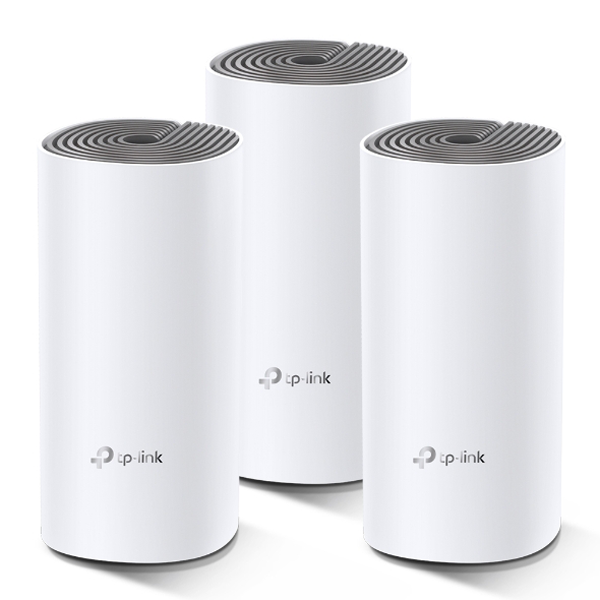
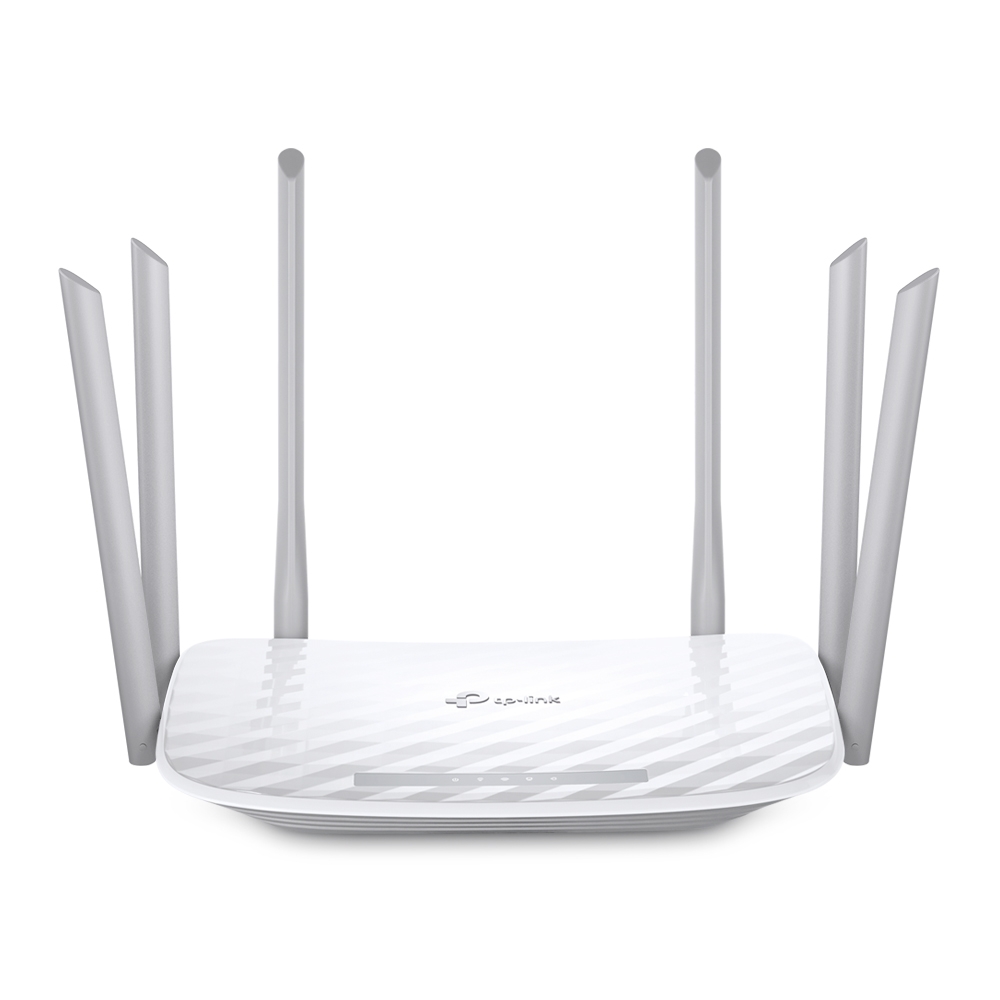
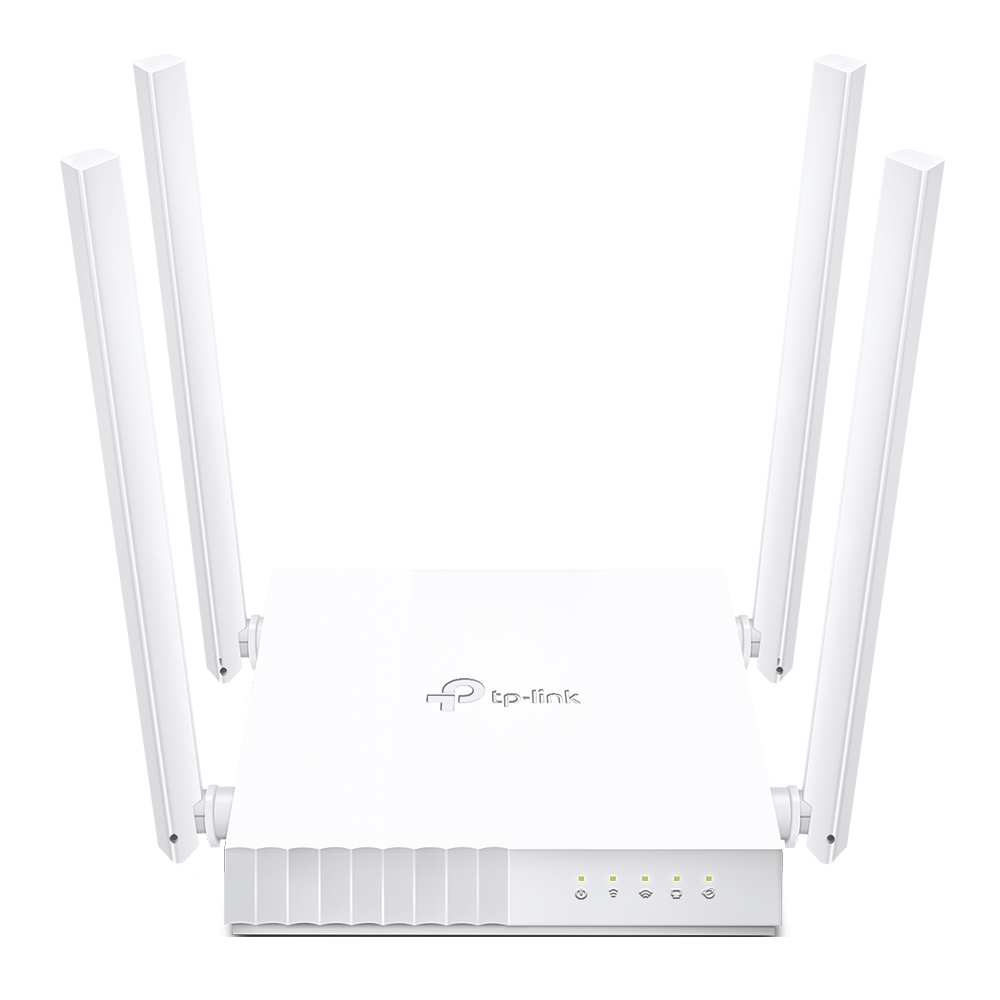
Function: Connects multiple devices to the internet and manages traffic between them.
Features: Built-in firewall, Wi-Fi capability, and DHCP server.
2. Switch
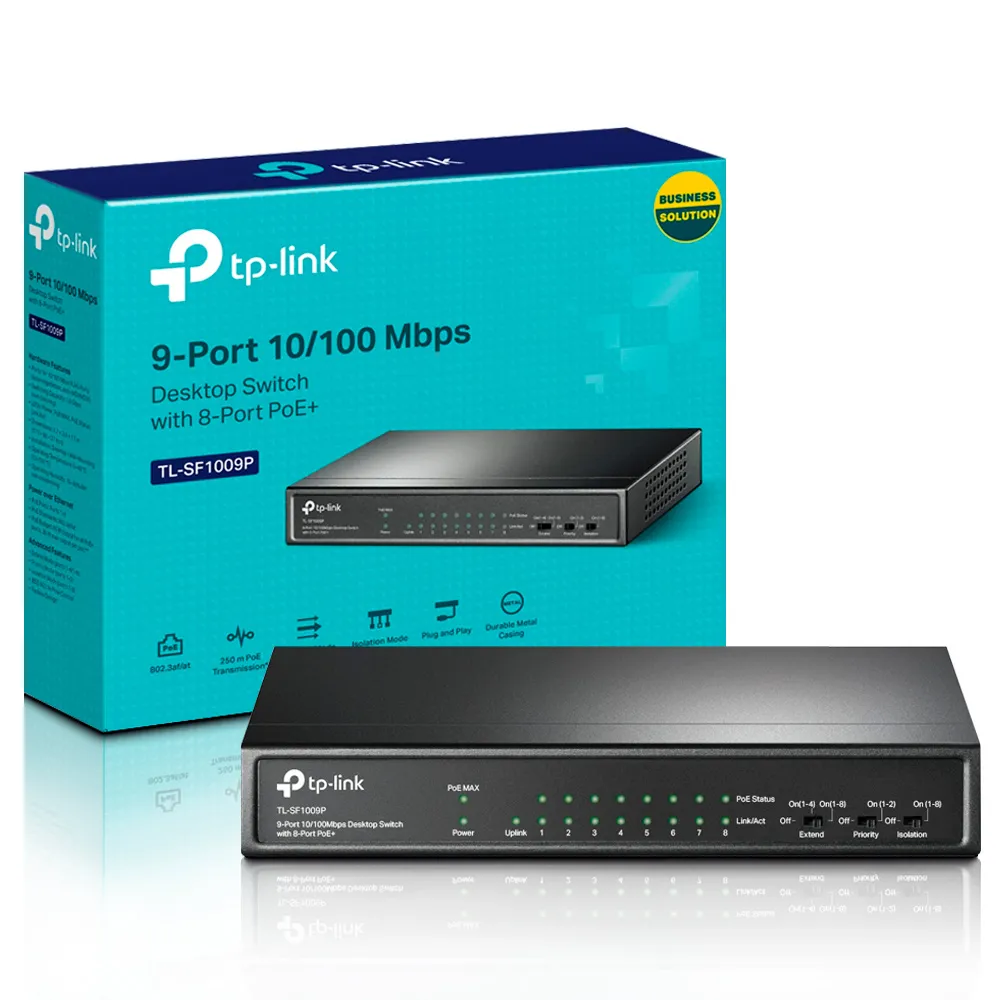
Function: Connects devices within a LAN and manages data traffic between them.
Features: Multiple ports for connecting devices, can be managed or unmanaged.
3. Modem
Function: Connects your network to the internet by converting digital signals to analog and vice versa.
Features: May be combined with a router (gateway).
4. Access Point
Function: Extends a wired network by adding Wi-Fi capability.
Features: Allows wireless devices to connect to the network.
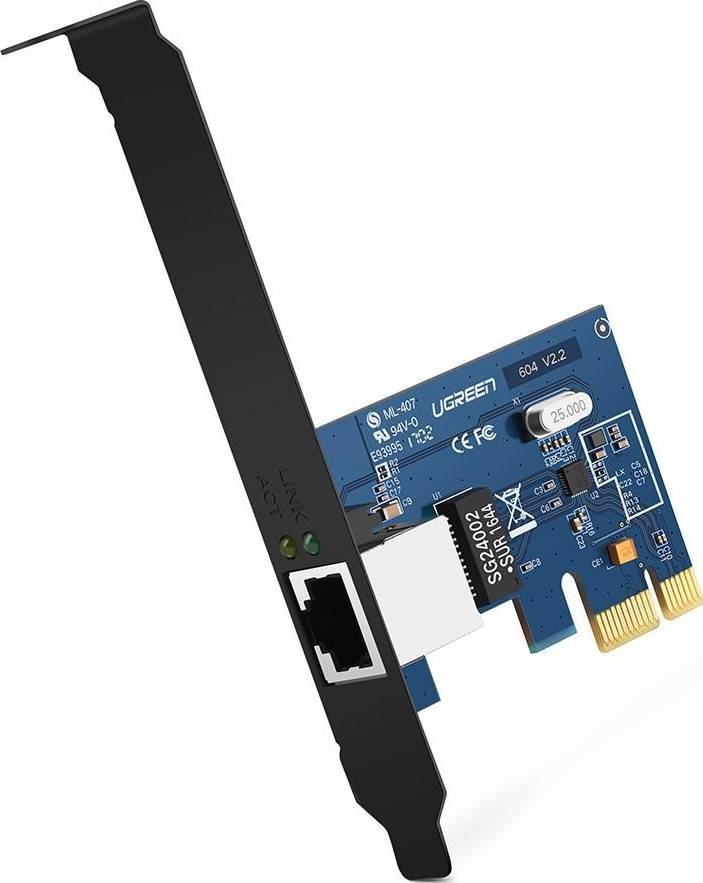
5. Network Interface Card (NIC)
Function: Allows a device to connect to a network.
Types: Wired (Ethernet) or wireless (Wi-Fi).
Networking Protocols
1. Transmission Control Protocol/Internet Protocol (TCP/IP)
Overview: The foundational protocol for the internet, facilitating data transmission.
Components: TCP ensures reliable delivery; IP addresses and routes packets.
2. Hypertext Transfer Protocol (HTTP/HTTPS)
Overview: Protocol for transferring web pages; HTTPS adds a layer of security with encryption.
3. File Transfer Protocol (FTP)
Overview: Used for transferring files between devices over a network.
4. Simple Mail Transfer Protocol (SMTP)
Overview: Protocol for sending emails.
Tips for Setting Up and Maintaining Your Network
1. Choose the Right Hardware
Select routers, switches, and access points that meet your speed and coverage needs.
2. Secure Your Network
Implement strong passwords, enable WPA3 encryption, and regularly update firmware to protect against unauthorized access.
3. Optimize Placement
Position your router centrally in your home or office to maximize coverage and minimize dead zones.
4. Monitor Network Performance
Use network management tools to monitor performance, identify issues, and manage bandwidth usage.
5. Plan for Growth
Consider future needs and choose scalable solutions that can accommodate more devices and increased traffic.
Conclusion
Networking is an essential aspect of our interconnected world, enabling seamless communication and resource sharing. By understanding the various types of networks, key hardware components, and protocols, you can set up and maintain an efficient and secure network tailored to your needs. Whether for personal use or in a business environment, investing time in networking knowledge pays off in improved performance and connectivity.