
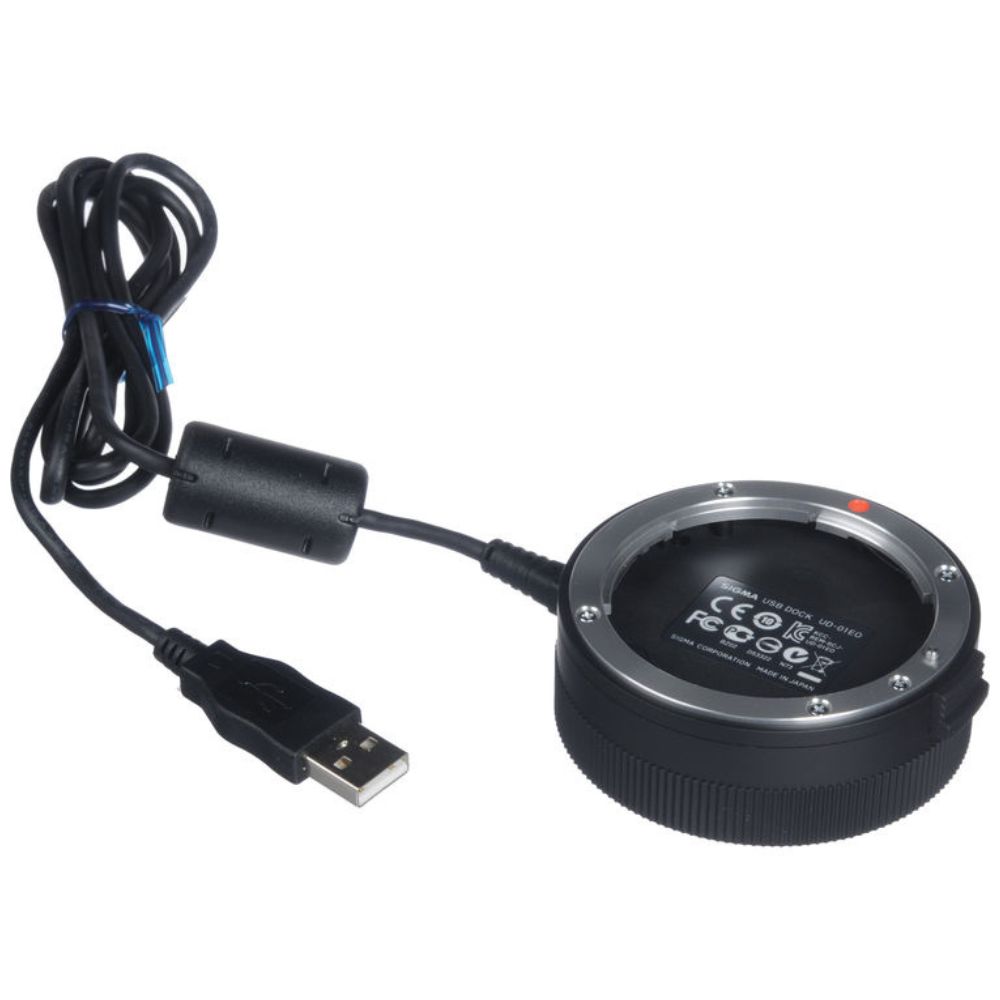
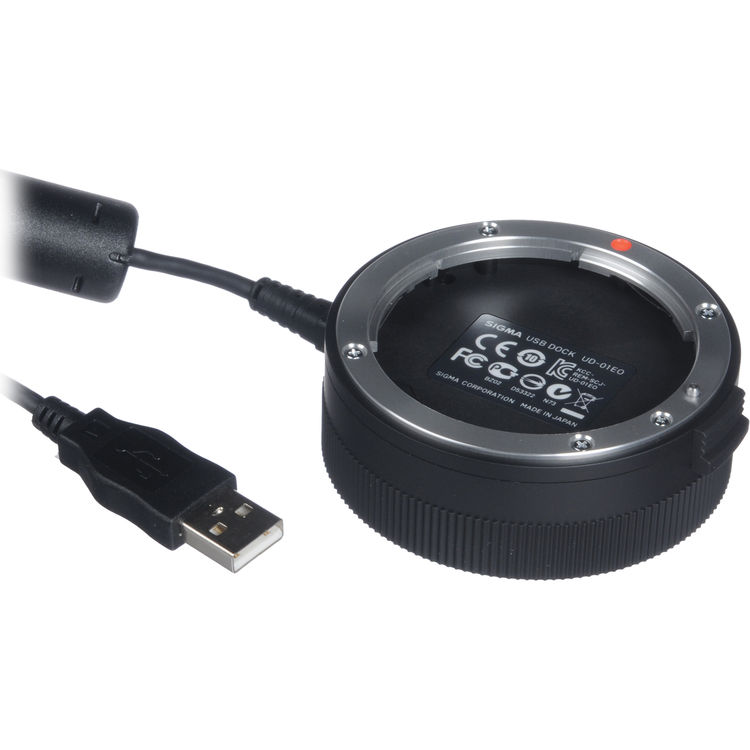
Sigma USB Dock for Canon EF-Mount Lenses
Sale price ksh 9,400
Need help?
Chat with our support team
- Compatible with Sigma Canon EF-mount lenses
- Allows firmware updates for supported lenses
- Customizes autofocus performance settings
- Enables focus limiter and focus speed adjustments
- Fine-tunes lens behavior for photography and video
- Connects to computer via USB interface
- Works with Sigma Optimization Pro software
- Improves long-term lens performance and compatibility
- Compact and easy-to-use accessory
- Essential tool for professional lens calibration
-
 Fast Shipping
24 Hrs Delivery All Over Kenya
Fast Shipping
24 Hrs Delivery All Over Kenya
-
 Customer Support
Contact Support -
 Warranty
Warranty on All Products -
 Secure Payment
Pay Via Mpesa & Bank Transfer -
 Largest Range
Best Brands & laptops
Cash Payments (Nairobi only)
We accept Cash Payments . This is applicable for Pay on Delivery orders within Nairobi Metropolitan area.
Mpesa Payment.
- Go to Safaricom SIM Tool Kit, select M-PESA menu, select “Lipa na M-PESA“
- Select “Pay Bill“
- Select “Enter Business no.“, Enter Rondamo technologies Lipa na M-PESA PayBill Number 964586 and press “OK”
- Account no. ( Indicate Order No. & Your Name)
- “Enter Amount : ( Total shown on Invoice)
- Enter your M-PESA PIN and press “OK”
This is applicable for all orders, both in Nairobi & upcountry besides large orders over Ksh 250,000/-
Bank Deposit /EFT
You can deposit payment for your order directly into our Stanbic bank account. We check our bank account for new payments every day but depending on your bank it can take 1–2 business days for your payment to appear. To ensure that we can reconcile your payment quickly please make sure you follow the instructions carefully and include a reference with your payment.
Pesalink
You can deposit payment for your order directly into our Stanbic bank account via Pesalink. all products are eligible for payment via Pesalink. To ensure that we can reconcile your payment quickly please make sure you follow the instructions carefully and include a reference with your payment.
Accurate delivery estimates are displayed on the product page and in the Checkout before you confirm your order.
Delivery estimates take into consideration both the delivery address and the types of products being ordered.
The remainder of this article discusses delivery times in more general terms.
Same Day Delivery / For Customers in Nairobi Metropolitan Area
We use Courier for these orders, which allows fast and reliable delivery to destinations across their comprehensive domestic network. Orders placed between 7 Am and 5 Pm will be delivered the same day otherwise they will be delivered the following day. Delivery times vary depending on a product's stock status and the intended delivery address. For very large orders, we may be forced to use Mainfreight as these orders lie outside of what Courier Rider services can handle. If your order is being shipped with Mainfreight, this will be indicated in your fulfilment email along with a tracking number.
Overnight Delivery
Most In stock products are delivered overnight anywhere in Kenya – provided the order is placed before the advertised cut-off time. Our Overnight Delivery cut-off is usually 4:30pm Monday to Friday, however, this is updated daily and the expected shipping date will be shown for you on the product page. Larger products take an additional 1–2 days to be delivered.
Evening Express Delivery
Same Day Delivery is available to Nairobi & its suburbs. Same Day Delivery orders are delivered between 4pm and 7pm in the evening on the same day your order is dispatched.
If you are ordering on a business day and before the cutoff time, the option will be called “Same Day Delivery”. If you are ordering after the cutoff time or on a weekend or public holiday, the option will be called “Evening Express Delivery”. And May incur extra Costs other than the standard shipping fee.
The warranty tendered hereunder, on the electronic product(s) sold under this invoice will be provided exclusively by their respective Authorized Agents/Distributors and are limited to one year from the date of this invoice, except otherwise mentioned as per the warranty conditions as carried along with the products(s) or mentioned on Rondamo Technologies Invoice
Related Products